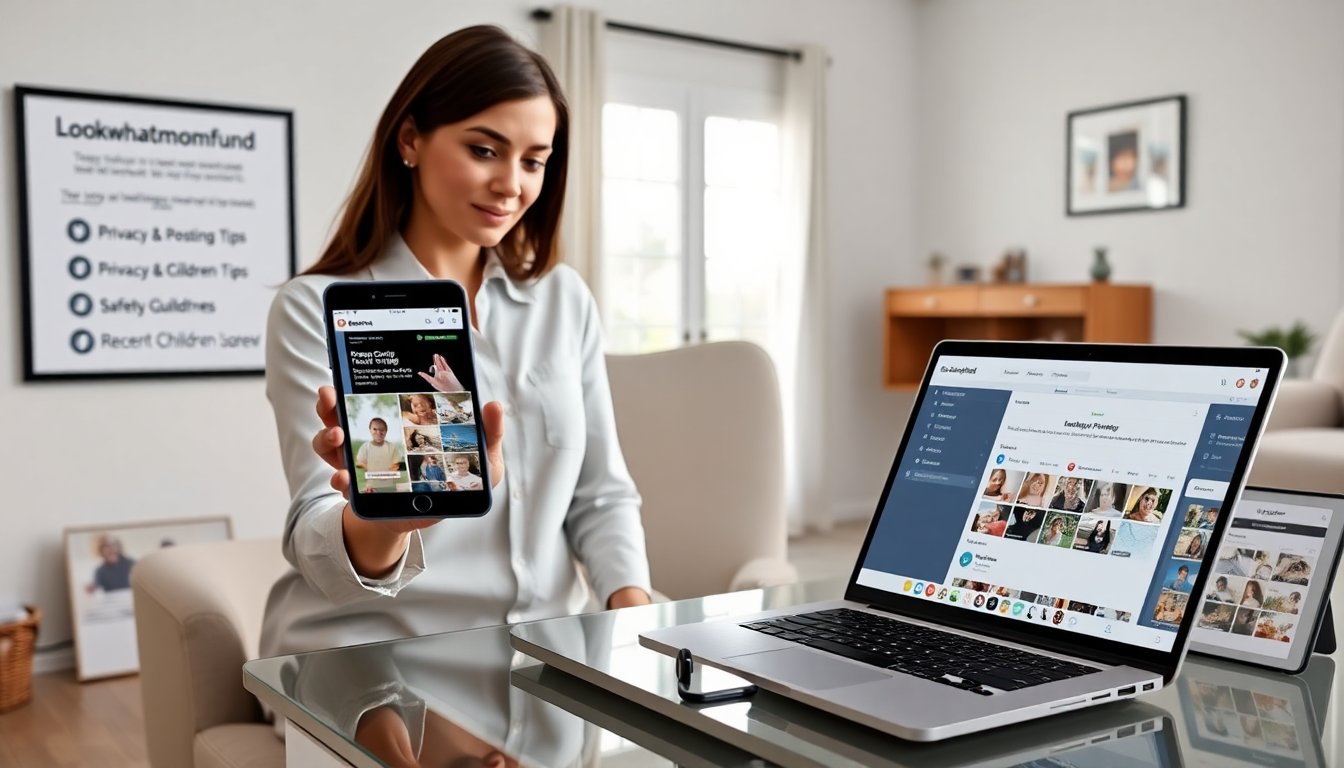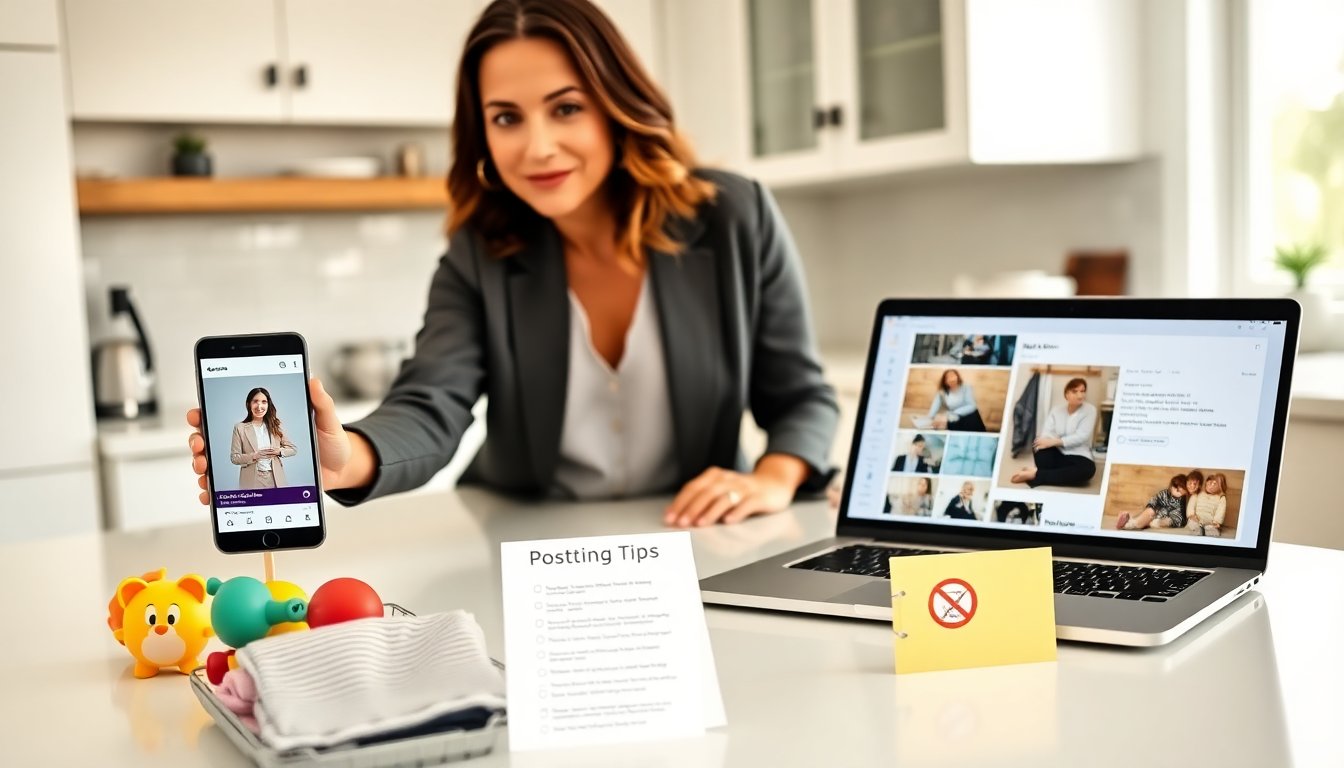

How to Avoid Fake Giveaway Messages is a practical guide for anyone who sees tempting “you won” DMs, tag‑and‑share posts, or cloned brand accounts. Scammers copy logos, imitate influencers, and push urgent fees or links to steal money and logins. This article gives clear, third‑person checks and real examples so readers can verify a prize before clicking, paying, or sharing.
Key Takeaways
- Fake giveaway messages often impersonate real brands and request payments or login info to steal money or data, so always be cautious.
- Verify giveaways by checking official brand accounts, looking for verification badges, and confirming published contest rules before engaging.
- Never pay fees or share sensitive personal information to claim a prize in any giveaway message.
- Watch for red flags like new accounts with few posts, mismatched handles, unclear winner selection, poor grammar, and high-pressure language.
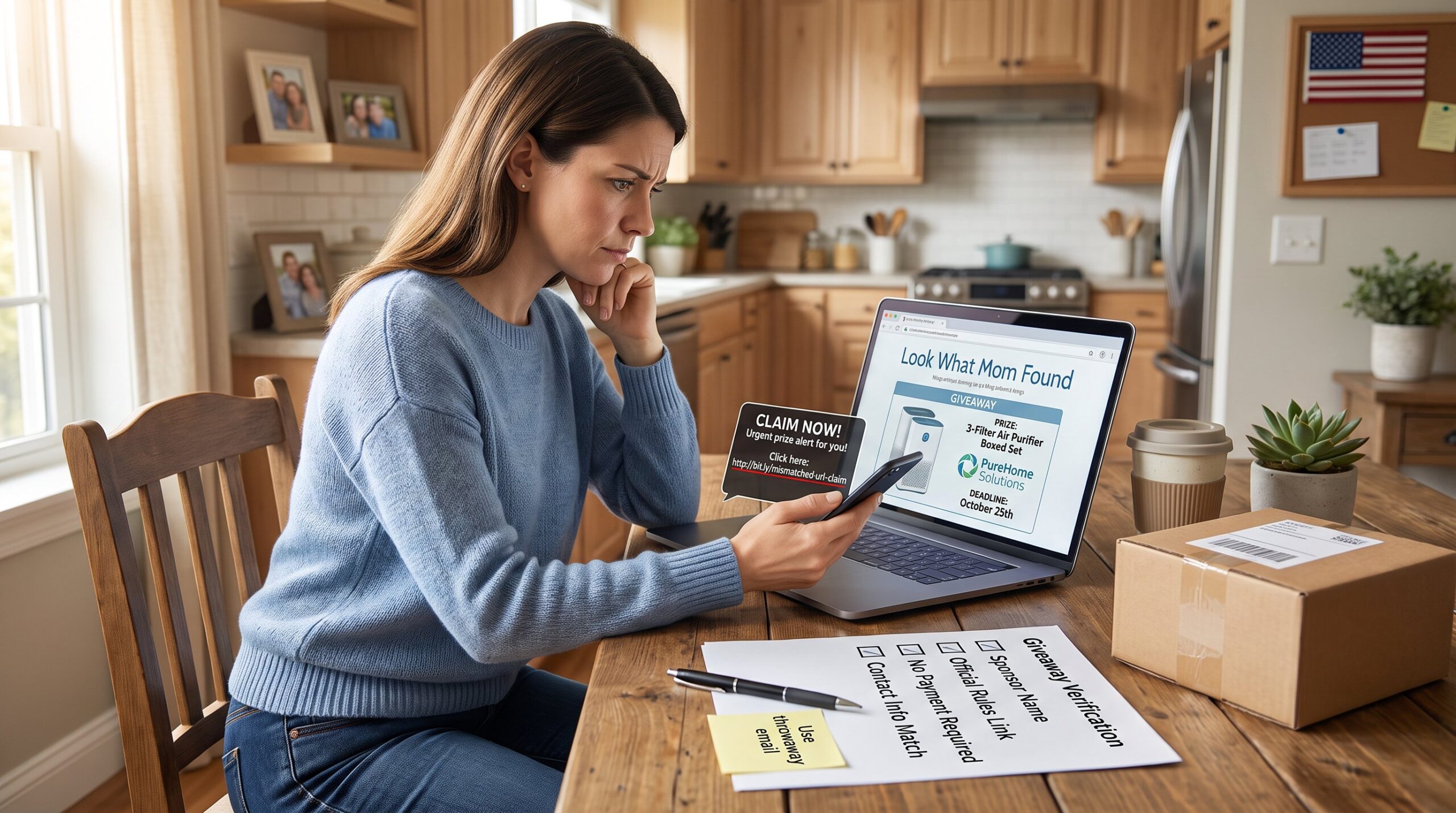
- Always hover over or preview links to verify they match the brand’s official domain before clicking or submitting information.
- Report and block suspicious giveaway accounts to protect yourself and others from scams.
How Fake Giveaway Scams Work And Why They Spread
Fact: Fake giveaway scams impersonate real brands and people to steal money, credentials, or personal data.
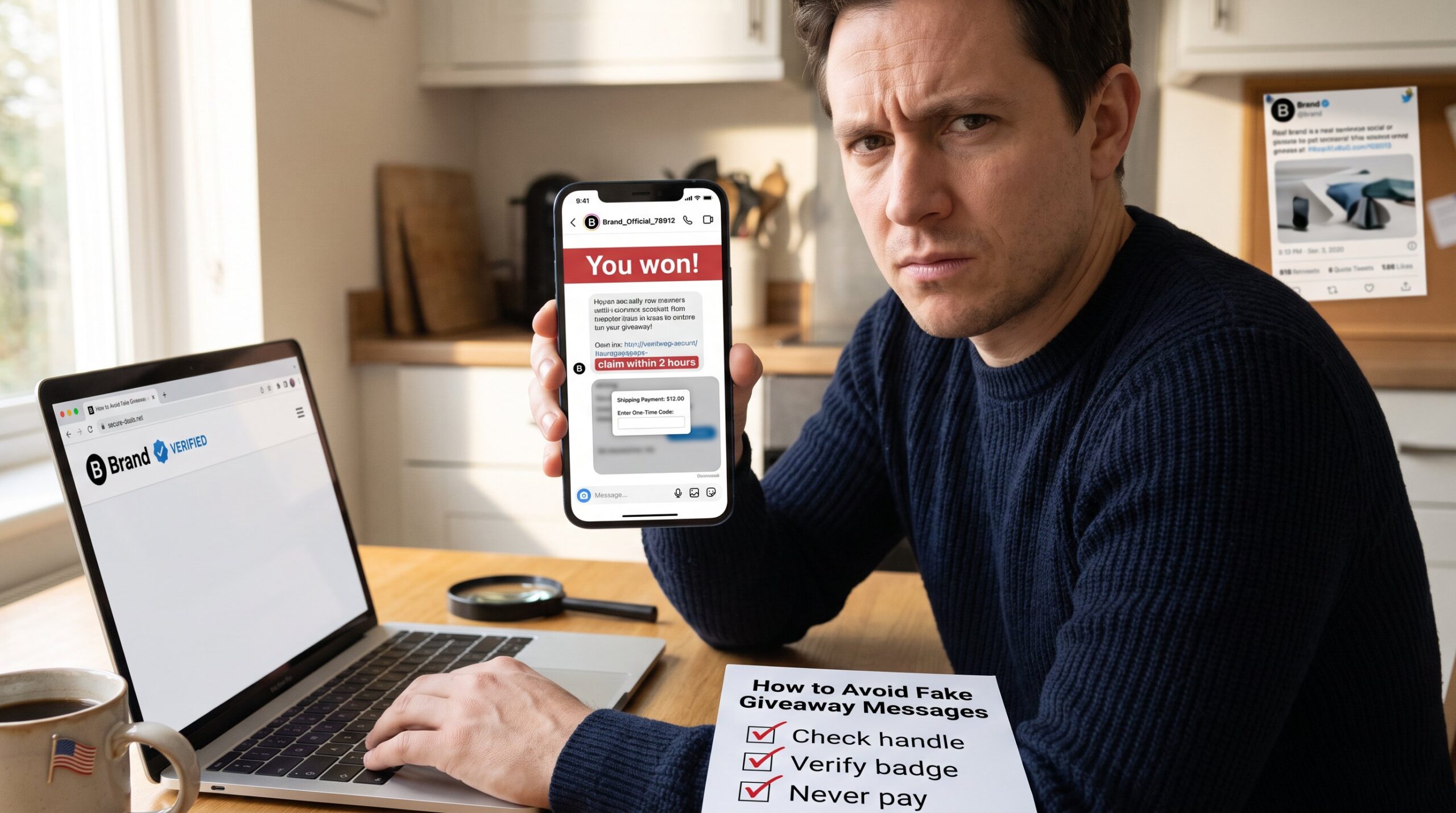
Scammers create copycat pages on Facebook, Instagram, and X that mimic logos and tone. They often claim a user “won” a prize they never entered. One common pattern: a newly created account with a polished profile picture but only a few posts. The scam then asks for a payment for shipping or a tax, or it requests a login code to “confirm identity.”
Why they spread fast: social mechanics. Tag‑and‑share requirements and comments boost visibility in hours. Bots amplify posts, giving false social proof. A post that says “tag five friends to claim” can loop through hundreds of profiles in a single afternoon. Urgency helps too, deadlines like “claim in 24 hours” pressure people to act without checking.
Concrete example: a fake giveaway claimed a $1,200 stroller and asked winners to pay $12 shipping through a third‑party form. The form asked for card number and two‑factor codes, then emptied accounts. That scenario illustrates two common goals: immediate money and access to existing accounts for broader fraud.
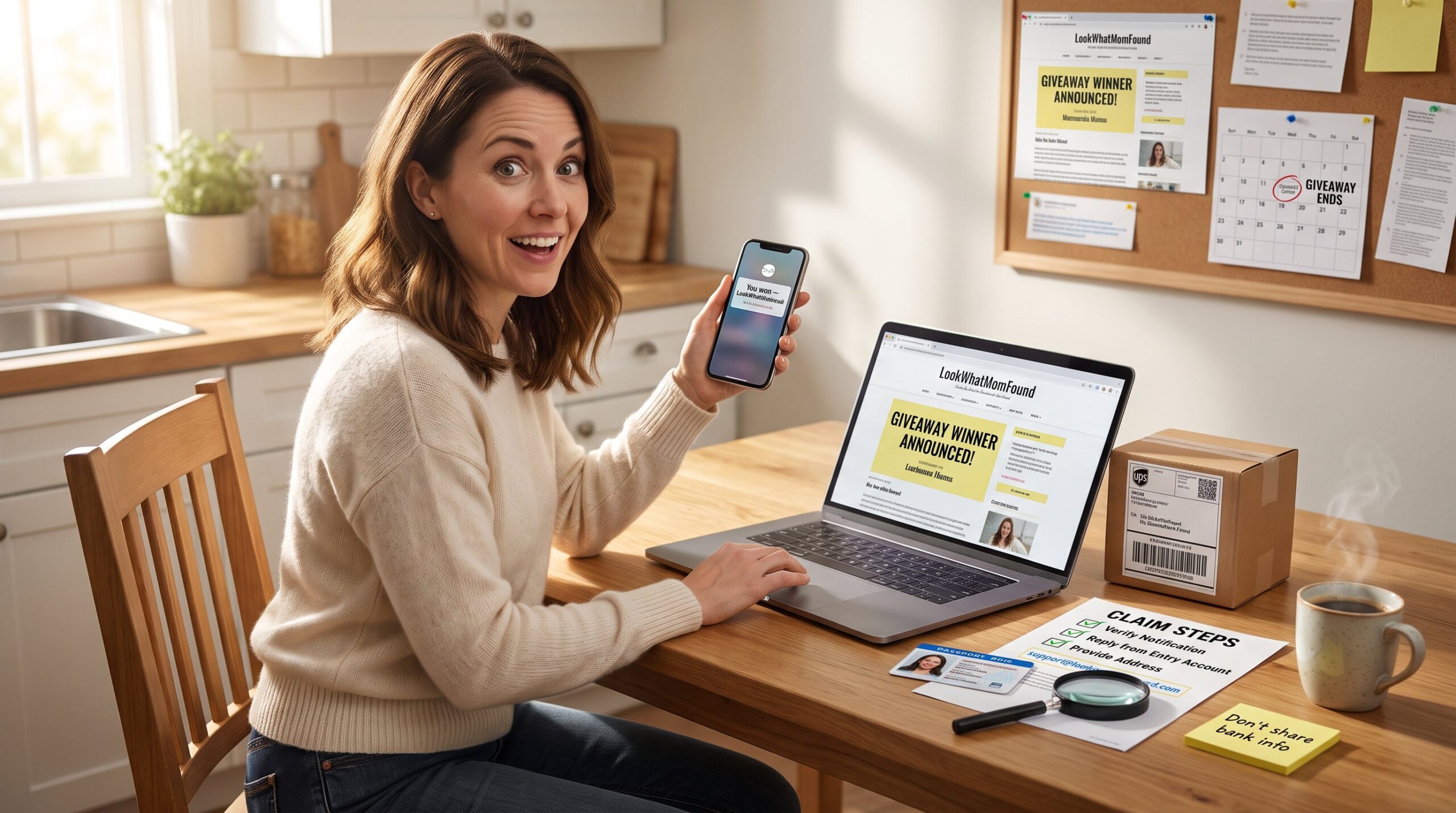
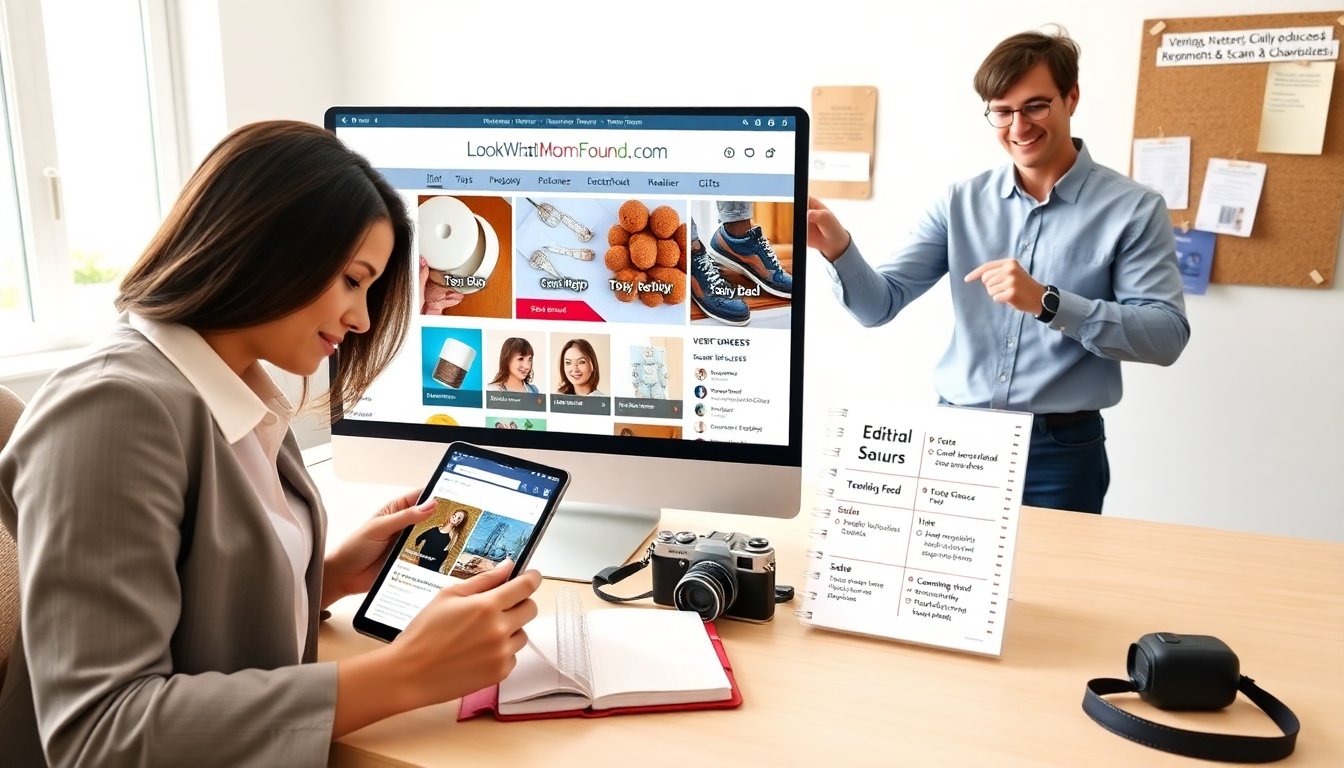
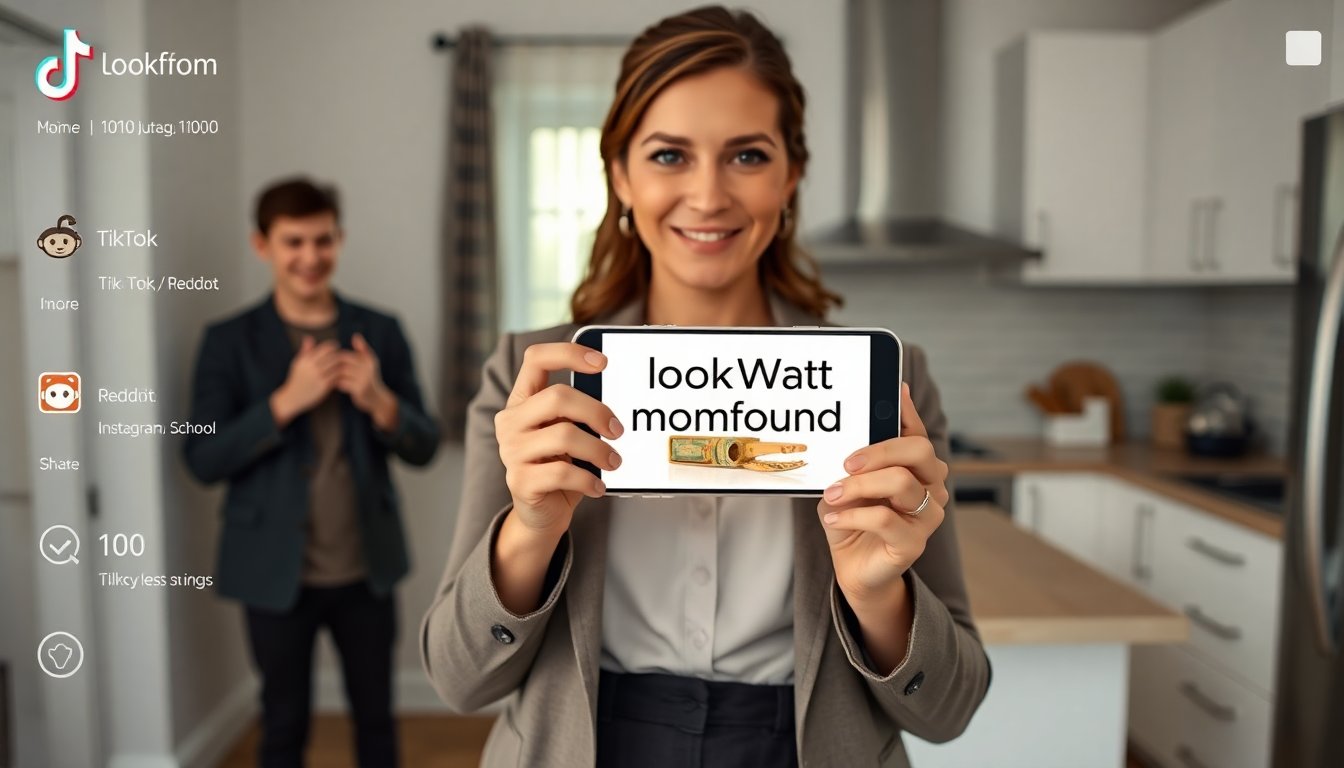
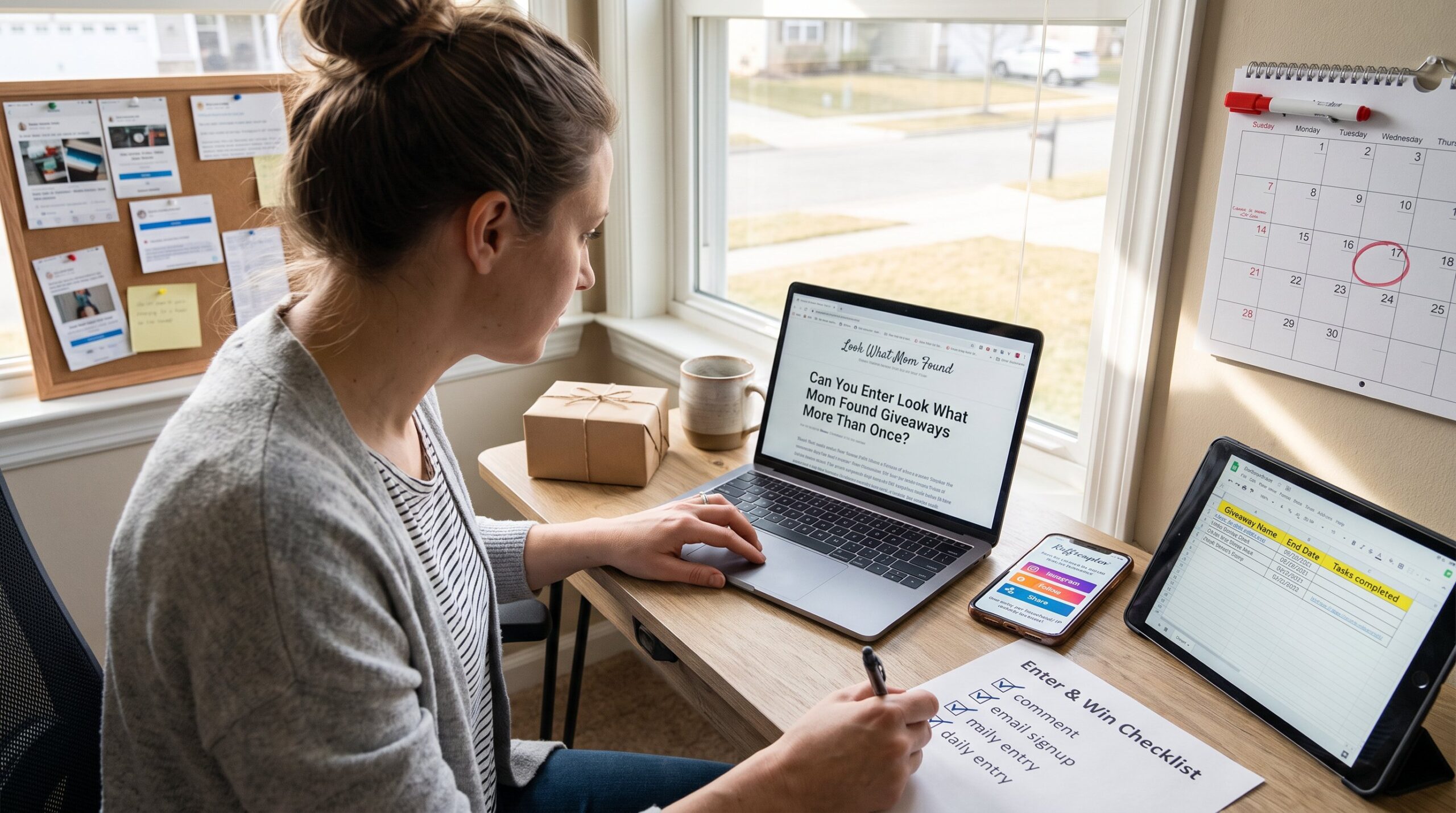
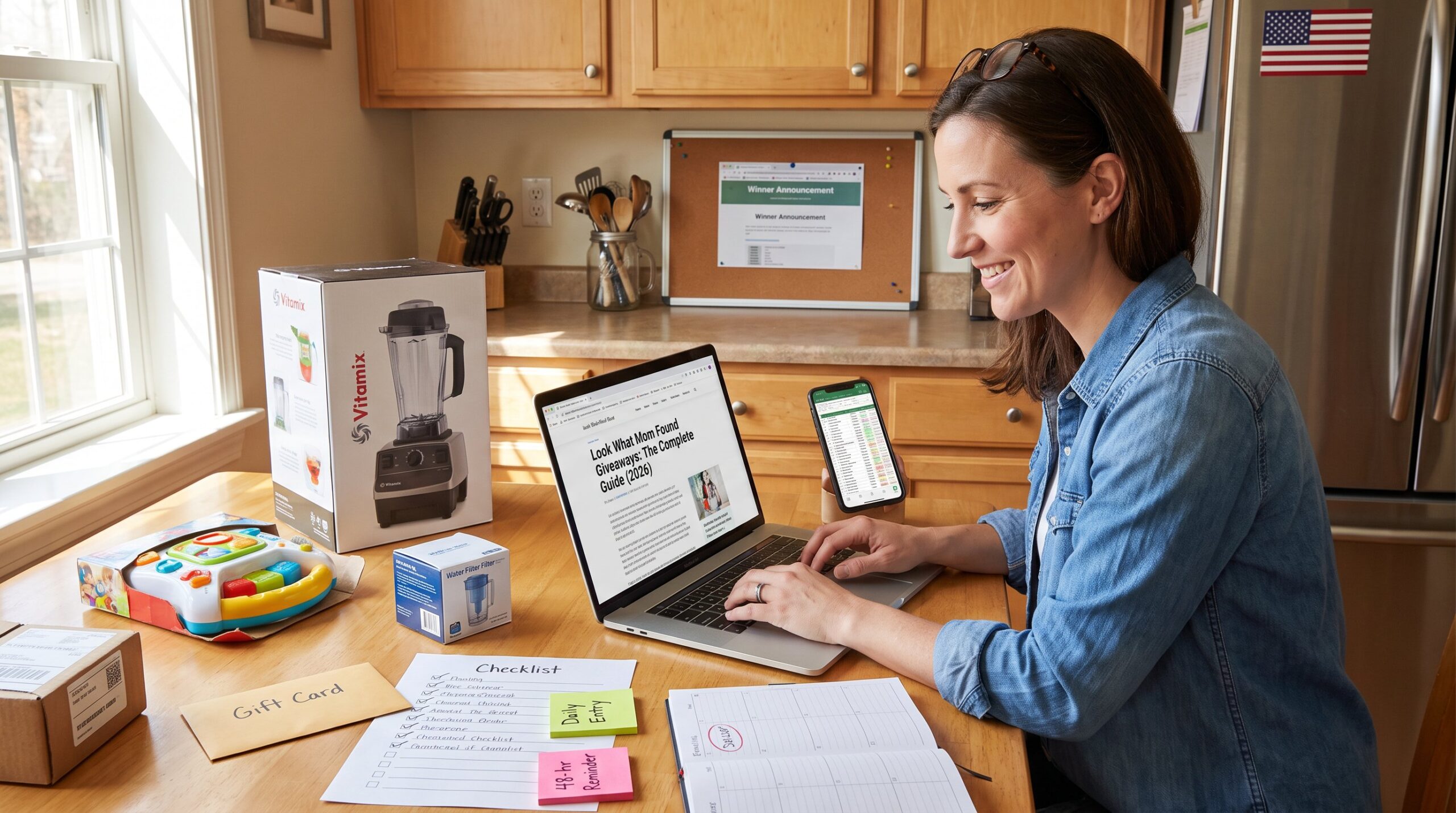
Practical takeaway: treat unsolicited “you won” messages the same way a bank treats an unusual transfer, assume risk until verified. Platforms such as Facebook and Instagram have verification badges and official pages: absence of those signals increases suspicion. Readers familiar with Look What Mom Found giveaways may notice how scammers copy the visual style of popular posts to gain trust.
Common Red Flags: How To Spot A Fake Giveaway Fast
Answer: Several quick signals identify fake giveaways within seconds.
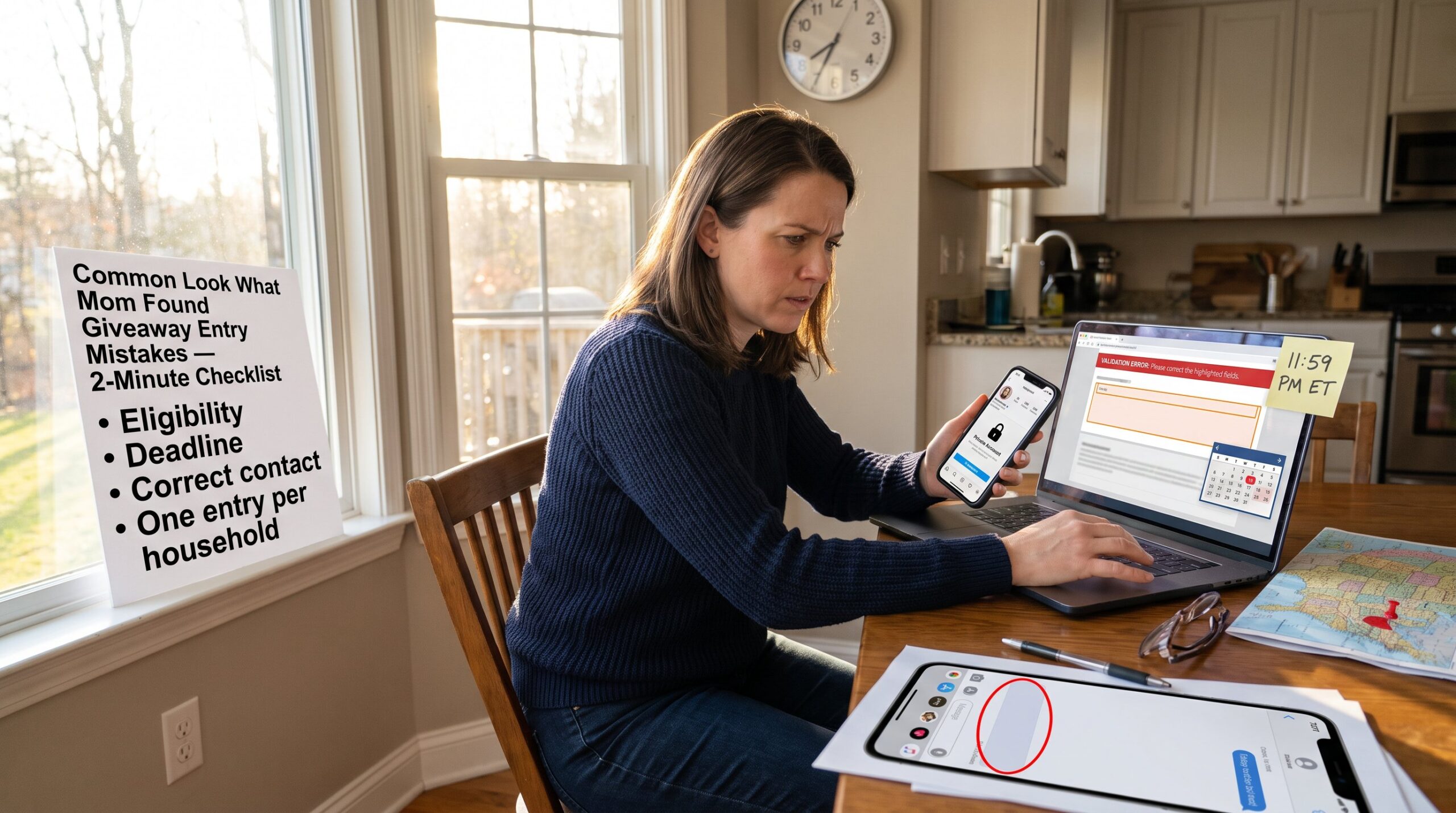
- Mismatched handle and badge: the account’s handle doesn’t match the brand’s official name or lacks a verification badge. For example, a handle ending in numbers or extra words often indicates a copycat.
- New account with little history: accounts created days ago with a handful of posts are suspicious. Real brands and long‑running bloggers usually show years of posts and varied content.
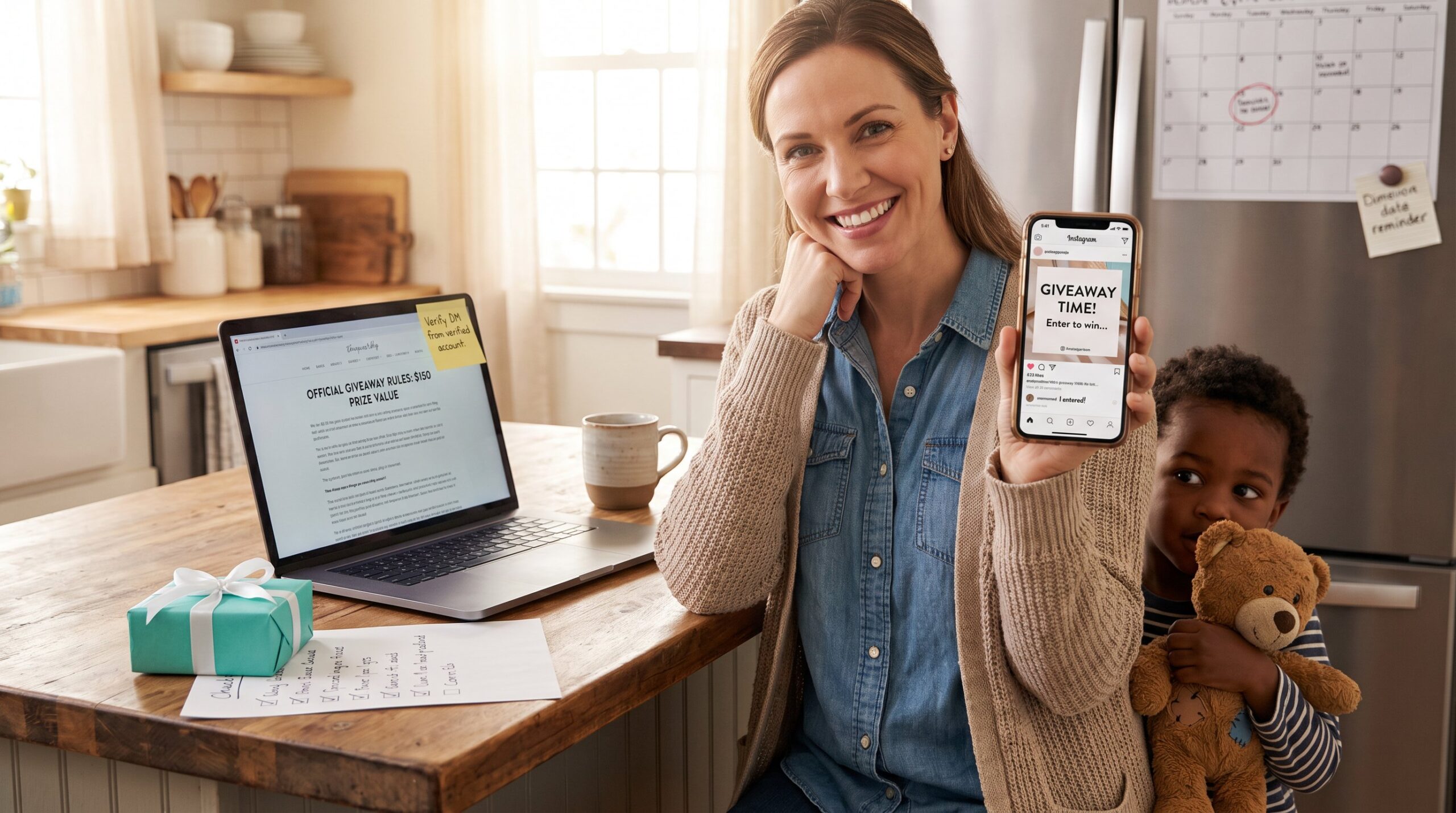
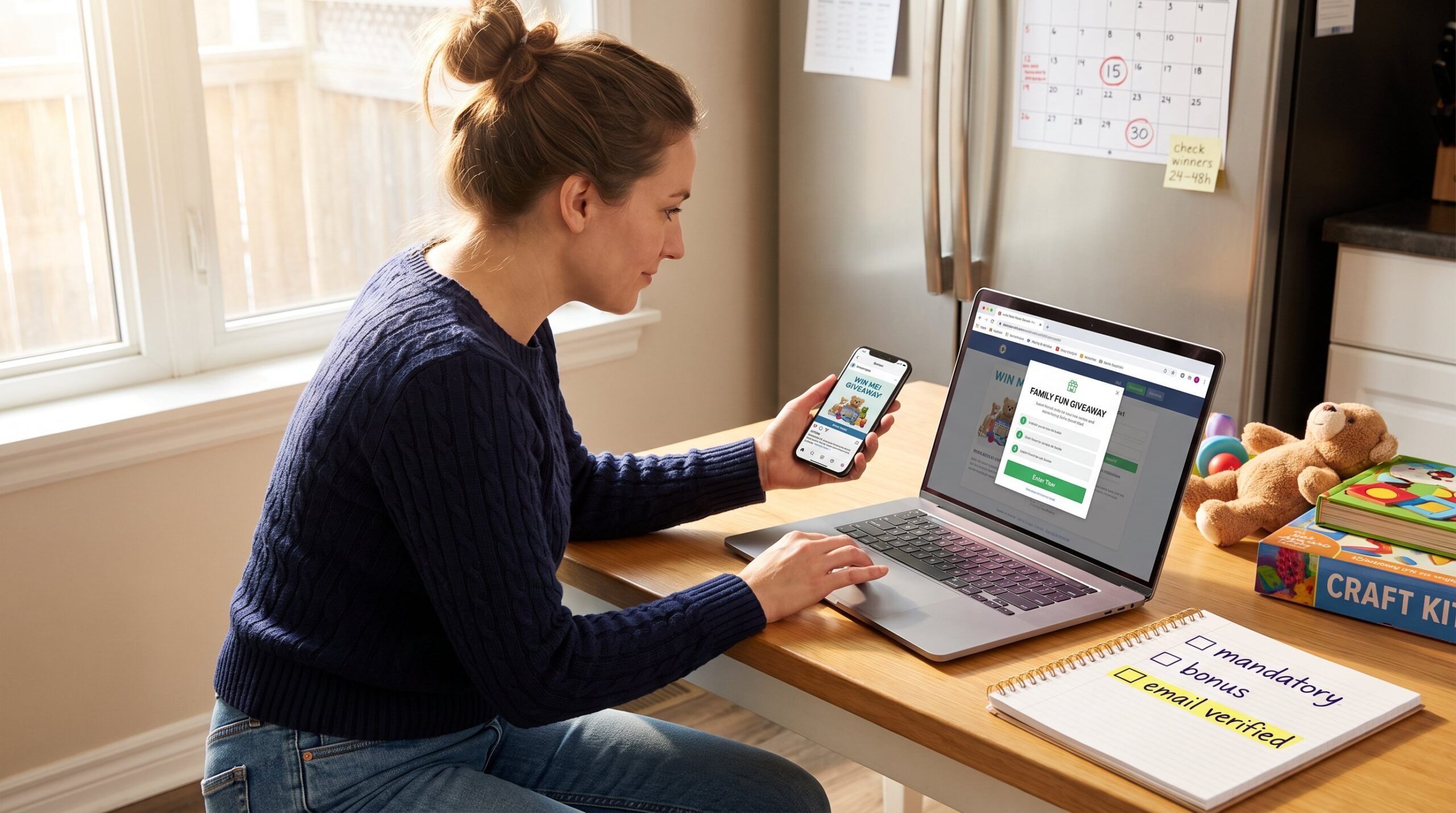
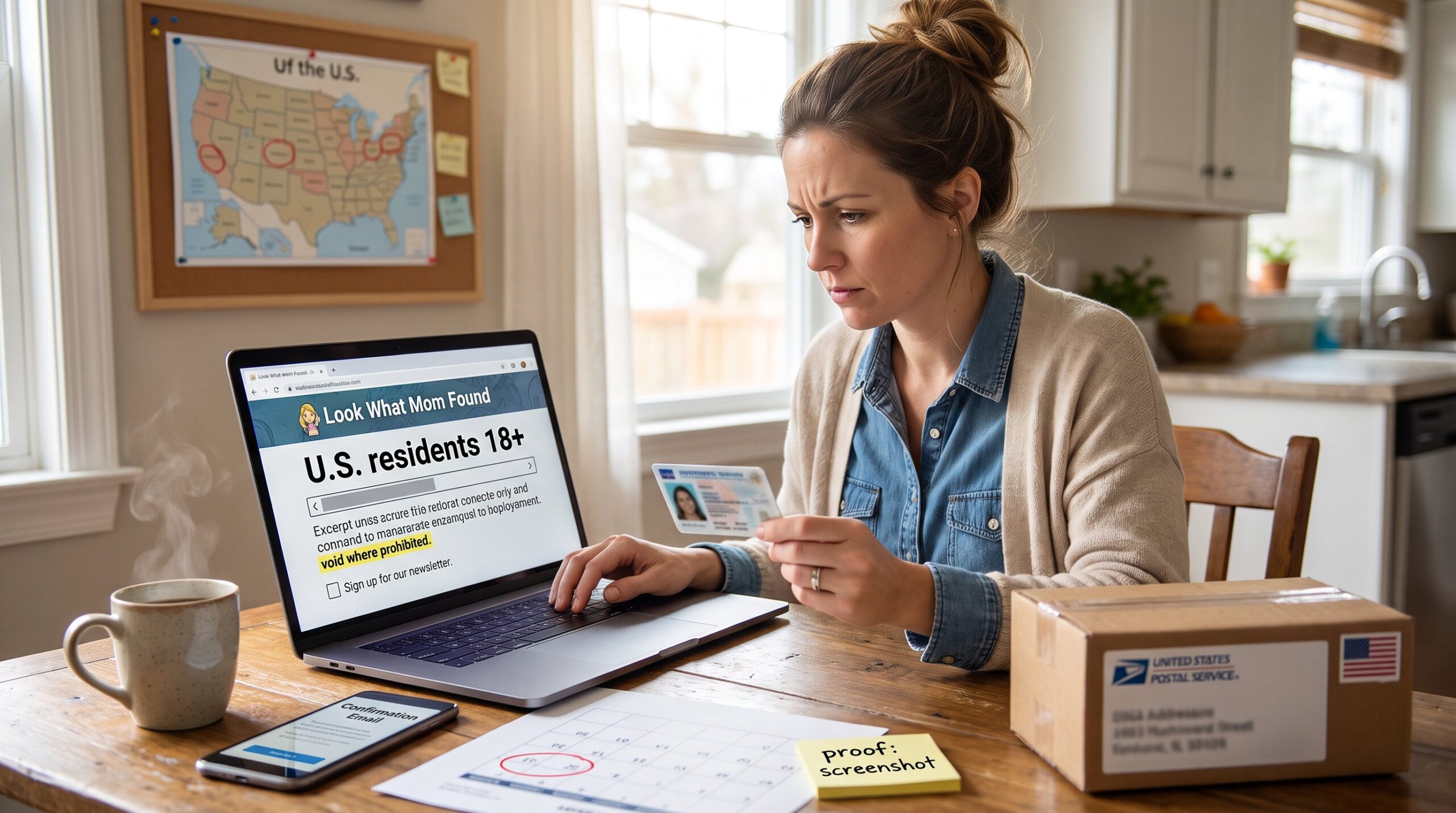
- No official rules or unclear winner selection: legitimate contests publish terms, closing date, and how winners are chosen. If rules are missing or vague, that is a red flag.
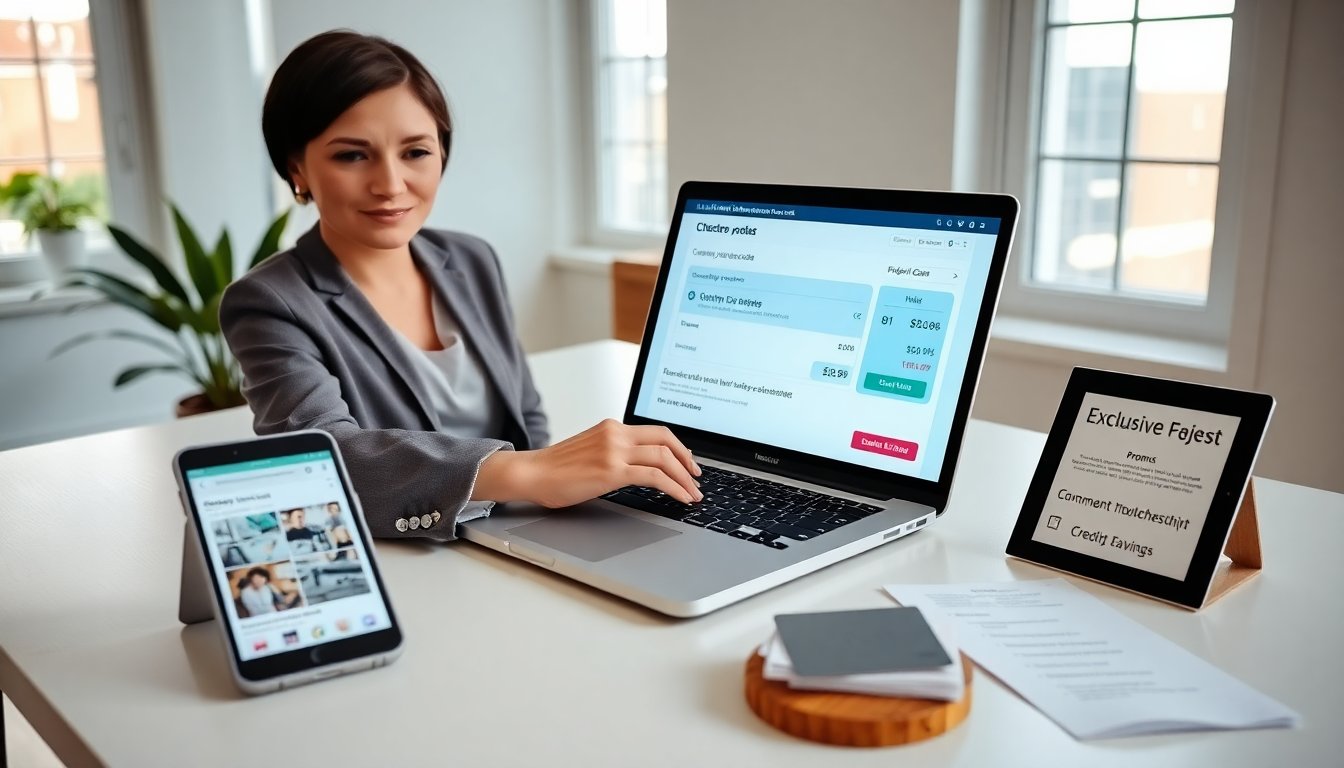
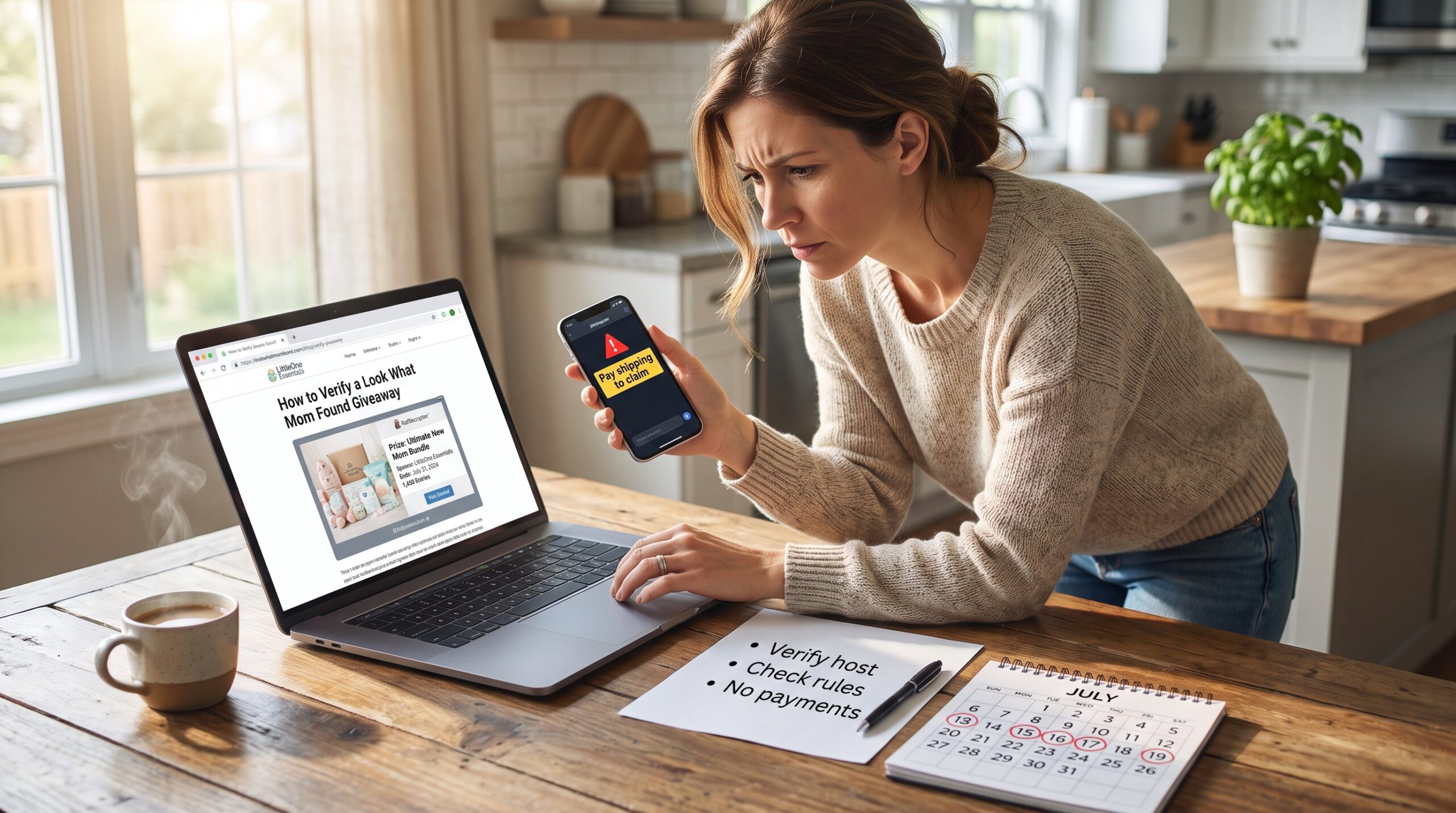
- Requests for payment or login info: any ask for shipping fees, tax, card numbers, or authentication codes is a scam indicator. Real giveaways never demand payment to claim a prize.
- Poor grammar and strange URLs: spelling errors, generic greetings, and links to unfamiliar domains often appear in scams.
- High‑pressure language: “claim within 2 hours” or “only you are selected” pushes rapid, unverified action.
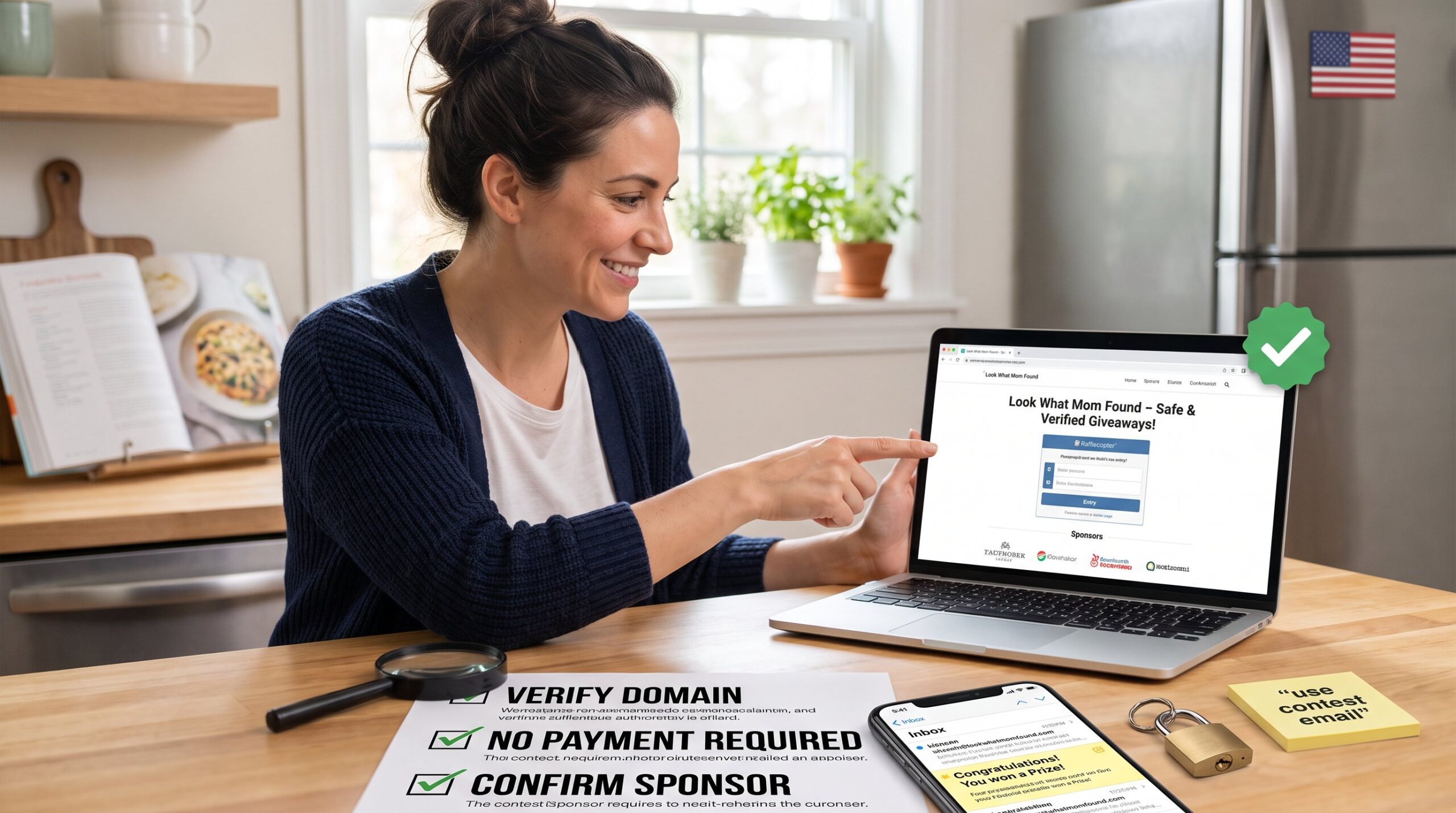
Concrete detection tip: hover over a link (desktop) to see the domain. If it does not match the brand’s official site, don’t click. On mobile, press and hold the link to preview the address. Those wanting more background can turn to the full overview for the fuller picture.
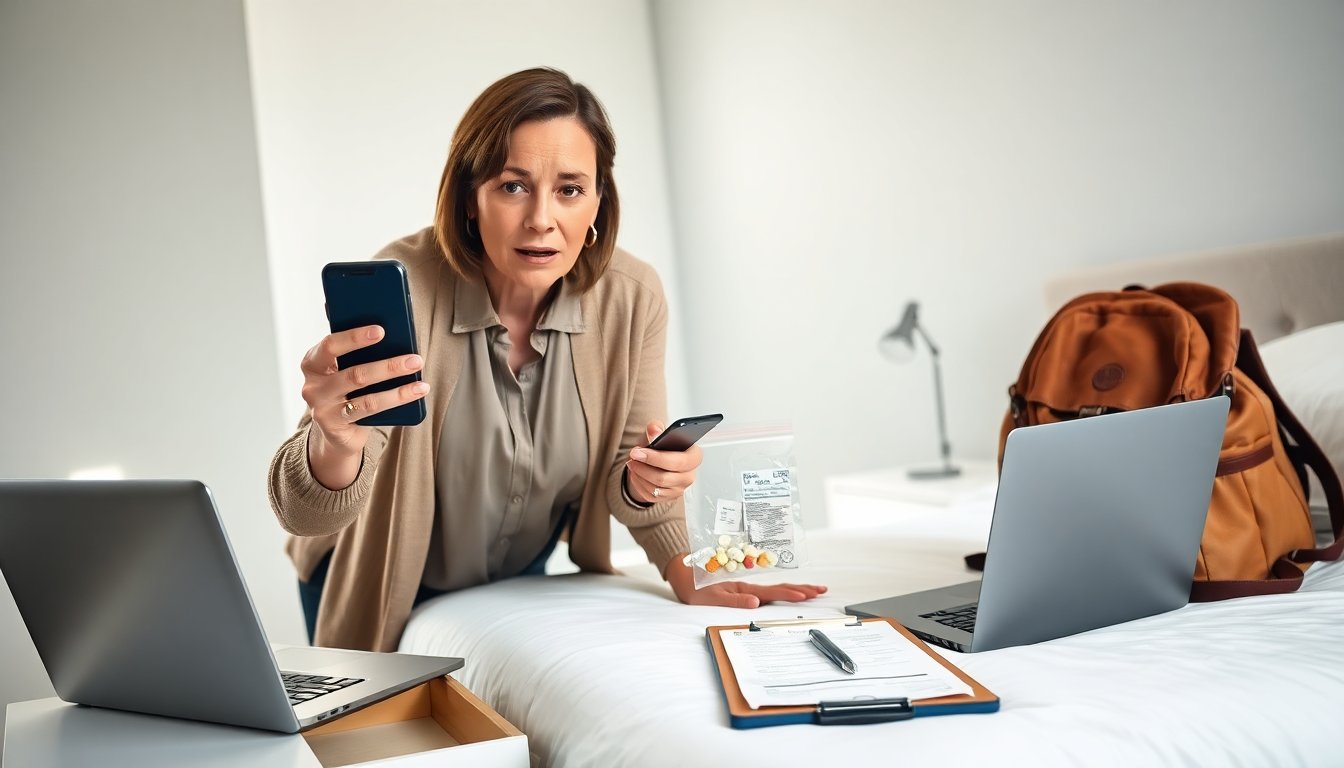
Vulnerable moment to remember: one reader reported nearly entering card details because the message used the exact product photo she followed for months. She paused, searched the brand’s verified page, and found no post, then reported the fake account. That pause saved her account and bank balance.
Practical links: when unsure where to look for official contest rules or entry mechanics, the site maintains a central contest resource that lists rules and entries. See the site’s contest guide for how legitimate entries are posted and confirmed.
Step‑By‑Step Checks To Verify A Giveaway Before You Engage
Answer: Follow these checks in order before replying, clicking, or paying.
-
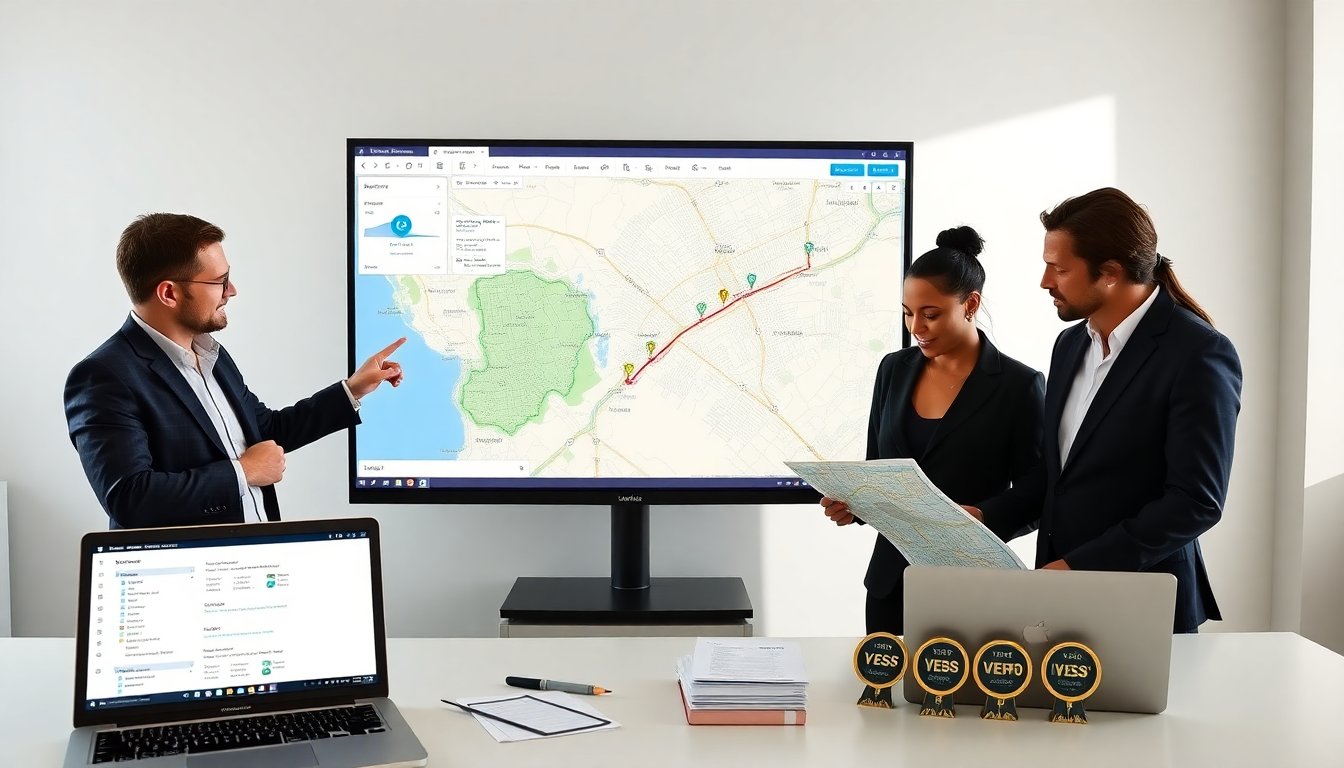
Confirm on official channels (30–60 seconds). Search the brand’s verified social profiles and the brand website. If the brand is established, the giveaway will be posted on an official account or press page. Readers can cross‑reference using a trusted site guide about contest posting to see how genuine entries appear.
-
Inspect the account details. Check account age, follower count, and post history. An official account usually has a consistent posting cadence and interactions that look organic. If comments show repeated identical replies or odd timestamps, that suggests bot activity.
-
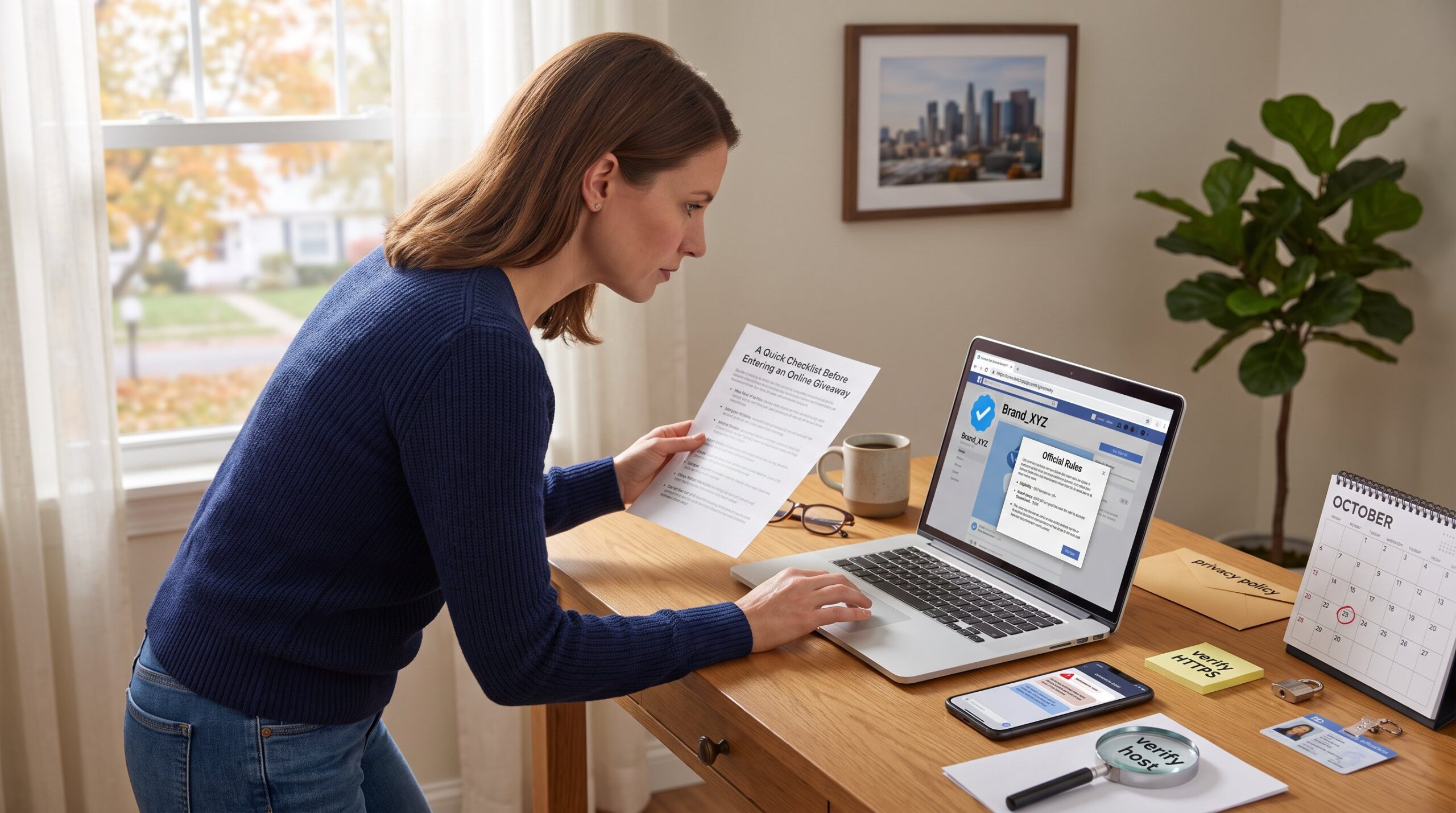
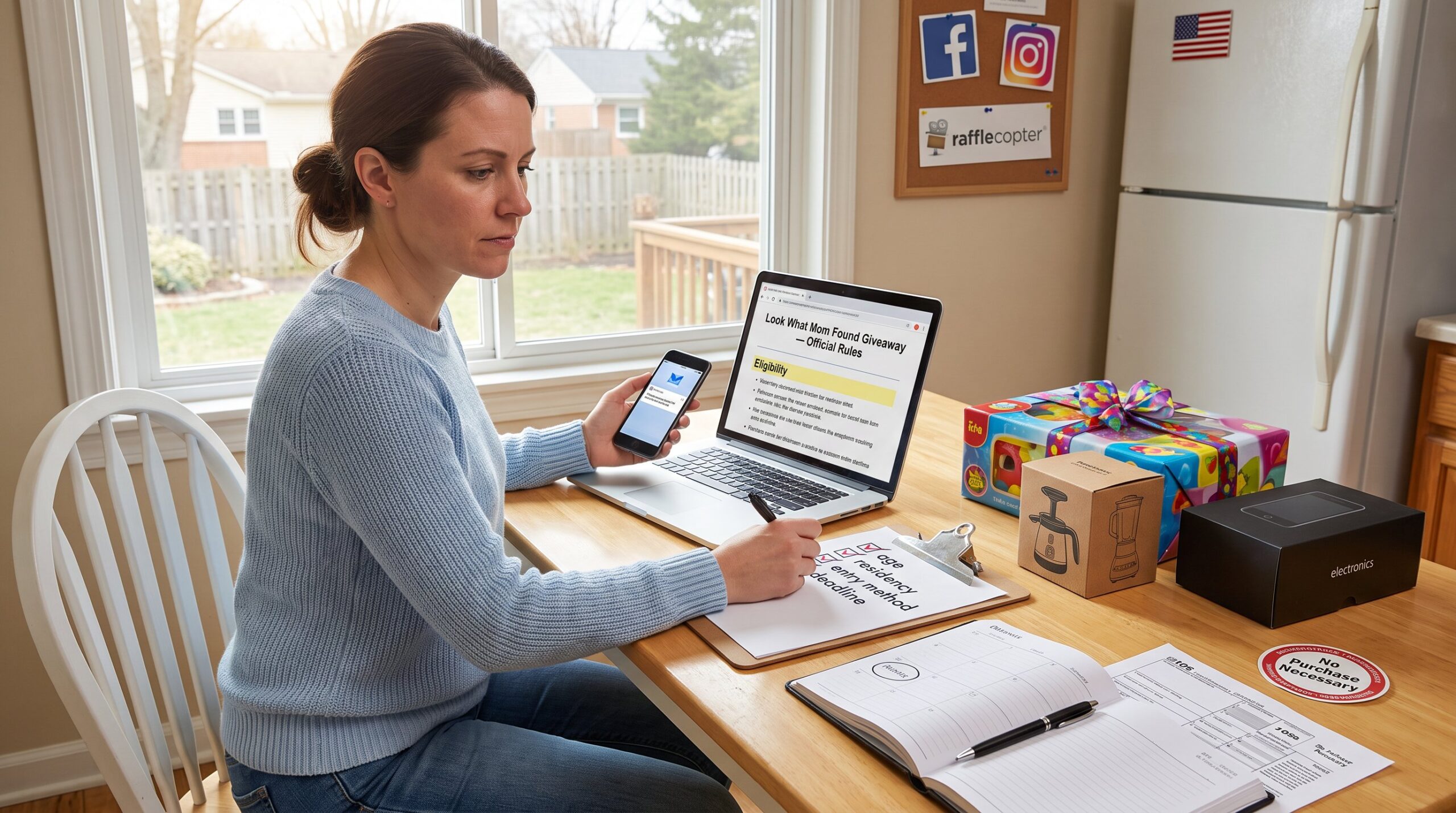
Look for published rules. A proper giveaway lists terms, eligibility, method of winner selection, and a clear closing date. If there is no T&C, it’s unsafe. Real rules often include sponsor names and a mailing address.
-
Never pay or share sensitive data. If a post requests money, banking details, or login codes, stop. Legitimate promotions never ask for payment to claim a free prize. If a site requests personal information beyond a name and shipping address, treat it as a leak risk.
-
Verify links before entering details. Use a quick domain search to confirm the form is hosted on a recognizable service. If the domain is unfamiliar, don’t enter information. For extra safety, perform a reverse image search on the giveaway image to see if it was copied from another source.
-
Contact the brand directly. Use the contact info on the brand website, not the direct message thread, to ask if the promotion is real. Brands concerned about scams often provide a confirmation route in their help center or contest listings.
-
Report and block. If an account is fake, report it to the platform and block the account. Reporting reduces the chance other people fall victim.
Practical resources and internal references: new and returning entrants who want a checklist for authentic entries can compare any suspicious message against the site’s entry guide. For tips on finding current legitimate contests, consult the blog’s finder page. For rules locations and deadline checks, the site maintains specific pages that explain where brands post official details and how to confirm closing dates.
Conclusion
Insight: People avoid fraud when they verify, pause, and refuse to pay. If a giveaway cannot be confirmed on official channels, asks for payment or codes, or shows multiple red flags, it is almost certainly fake. Practical response: verify the account, insist on published rules, and contact the brand by official means before engaging. Reporting suspicious posts helps protect friends and family from the same scam.