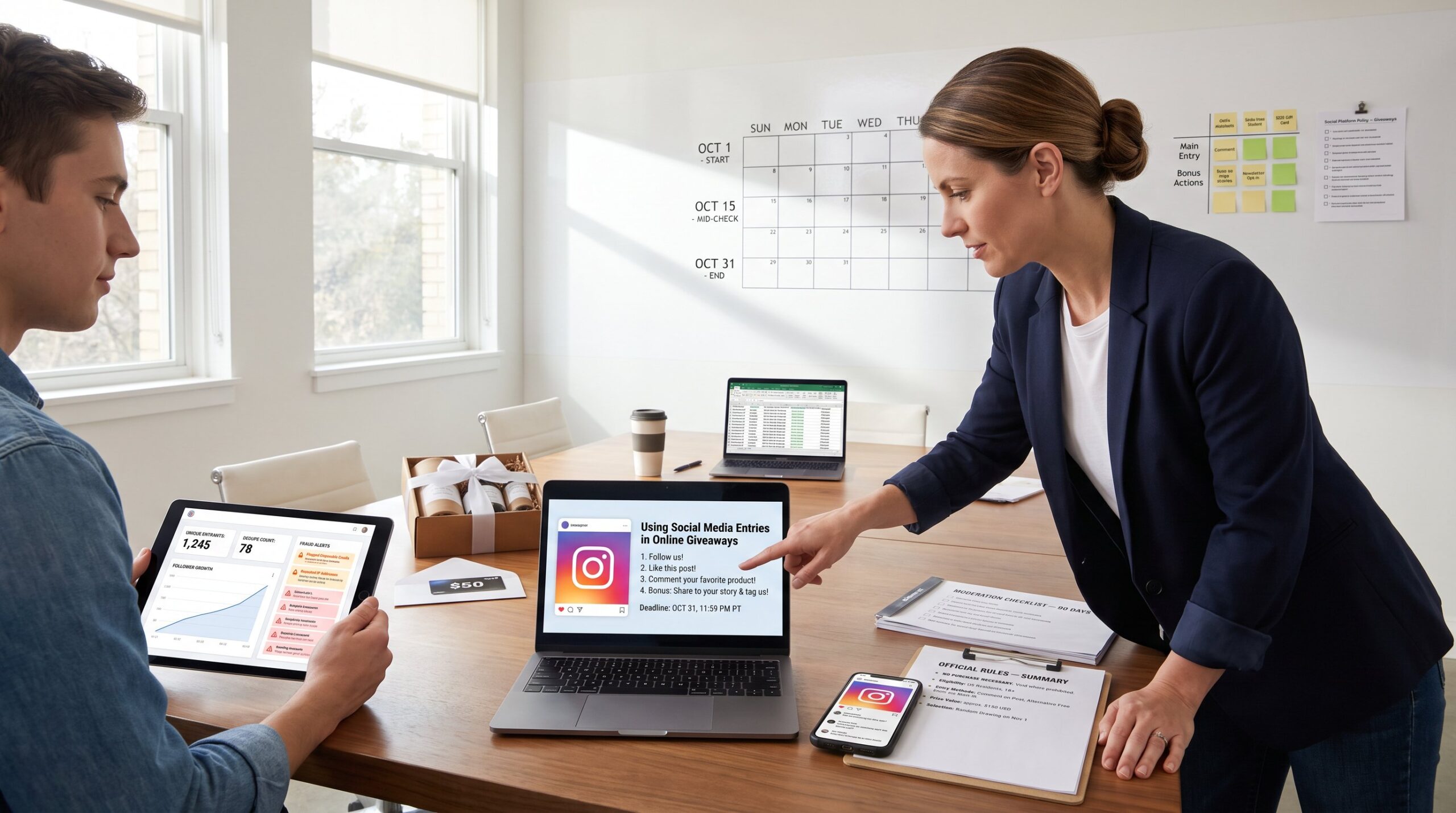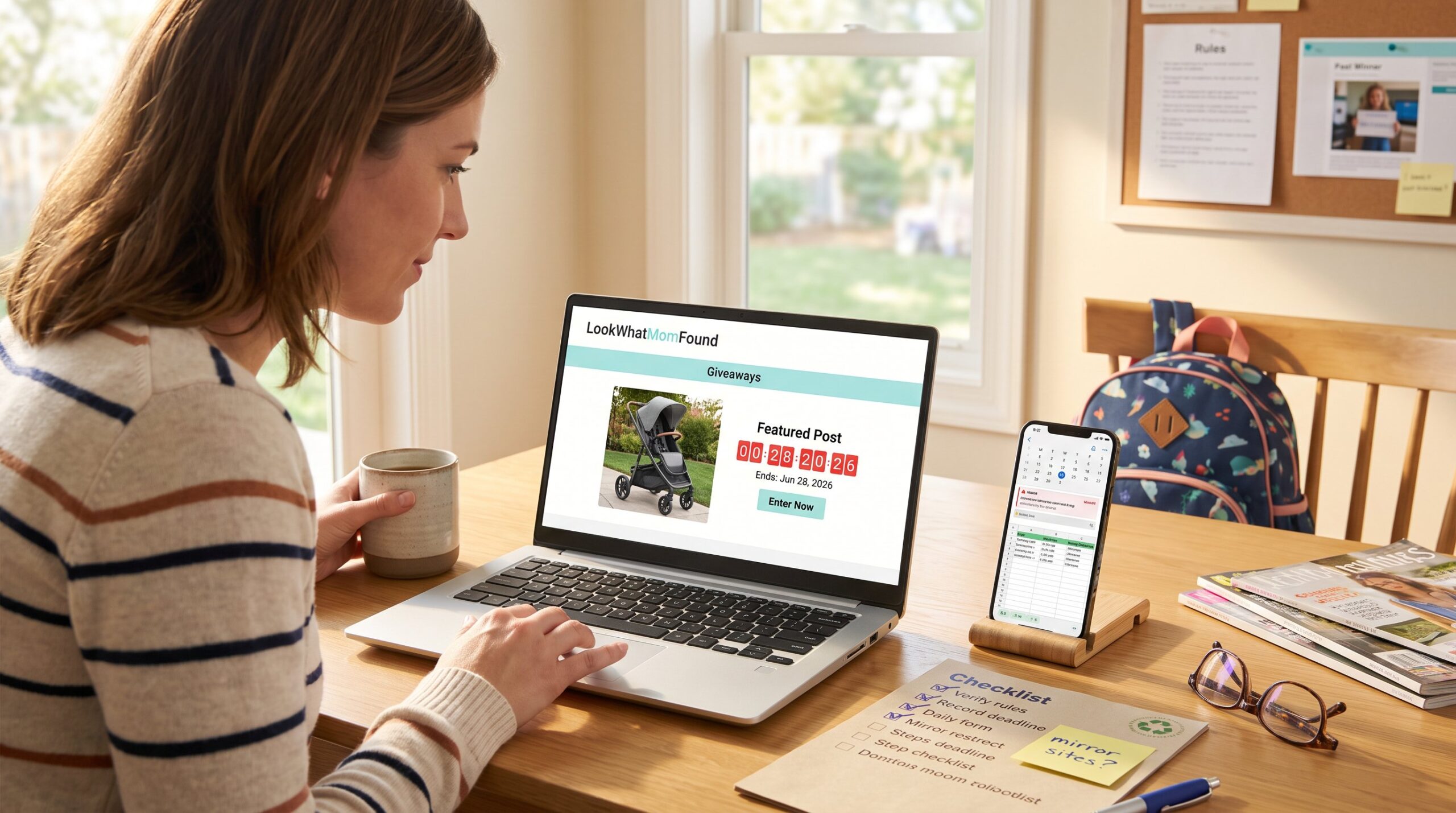

How to Track the Giveaways You Have Entered begins with a single fact: without a system, entries get lost and time is wasted. This guide shows a practical, repeatable workflow that someone can set up in an hour and use every day. It focuses on what to record, how to prioritize entries, and which tools automate the boring parts so they never miss a deadline or accidentally break a giveaway rule.
Key Takeaways
- Tracking giveaways systematically prevents duplicate entries and missed deadlines, saving time and increasing chances to win.
- Recording essential details like sweep name, entry URL, deadline with timezone, entry frequency, prize value, and status is crucial for effective tracking.
- Using a simple spreadsheet with filters and conditional formatting helps prioritize giveaways by deadline and value for focused effort.
- Automate reminders with tools like Google Sheets formulas and calendar blocks to never miss daily or weekly entry tasks.
- Consider apps or browser extensions for automating entry logging and reminders, but prioritize security and privacy by avoiding tools that require passwords or store sensitive data.
- Consistently maintaining a tracking system reduces errors, saves hours, and creates a valuable archive that improves future giveaway strategies.
Why Tracking Giveaways Saves Time, Money, And Sanity
Tracking giveaways saves time, money, and sanity by centralizing decisions and preventing costly mistakes. When someone logs each entry, they avoid duplicate submissions that can disqualify them and stop chasing expired links. In practice this matters: a single missed deadline can cost the expected value of dozens of small prizes and hours of rework.
Concrete benefits:
- Prevents rule violations. Many sweepstakes disqualify duplicate or off-channel entries: logging the entry frequency and source prevents accidental repeats. For example, noting “Instagram daily” vs “email one‑time” removes confusion.
- Prioritizes high value. Sorting entries by prize value helps the user target the 10–15 giveaways worth focused effort each week rather than chasing dozens of low‑value items.
- Saves lookup time. A single spreadsheet cell with the entry URL and status removes the need to hunt through 200 bookmarked pages or hundreds of emails.
A simple routine reduces cognitive overhead. They open the tracking sheet each morning and see 3 items due today, 8 closing this week, and which require daily action. That predictable glance replaces the frantic, scattered approach most people use and produces calm, and more wins.
What Essential Information You Should Record For Every Entry
Record these essential fields first: Sweep name, Entry URL, Deadline, Entry frequency, Prize description and estimated value, Date entered, Status, and Notes. That core set answers every critical question someone will need when deciding where to spend time.
Why each field matters:
- Sweep name: short, searchable text that fits on one line. Use product name or sponsor plus date.
- Entry URL: direct link so they can open entry form in one click.
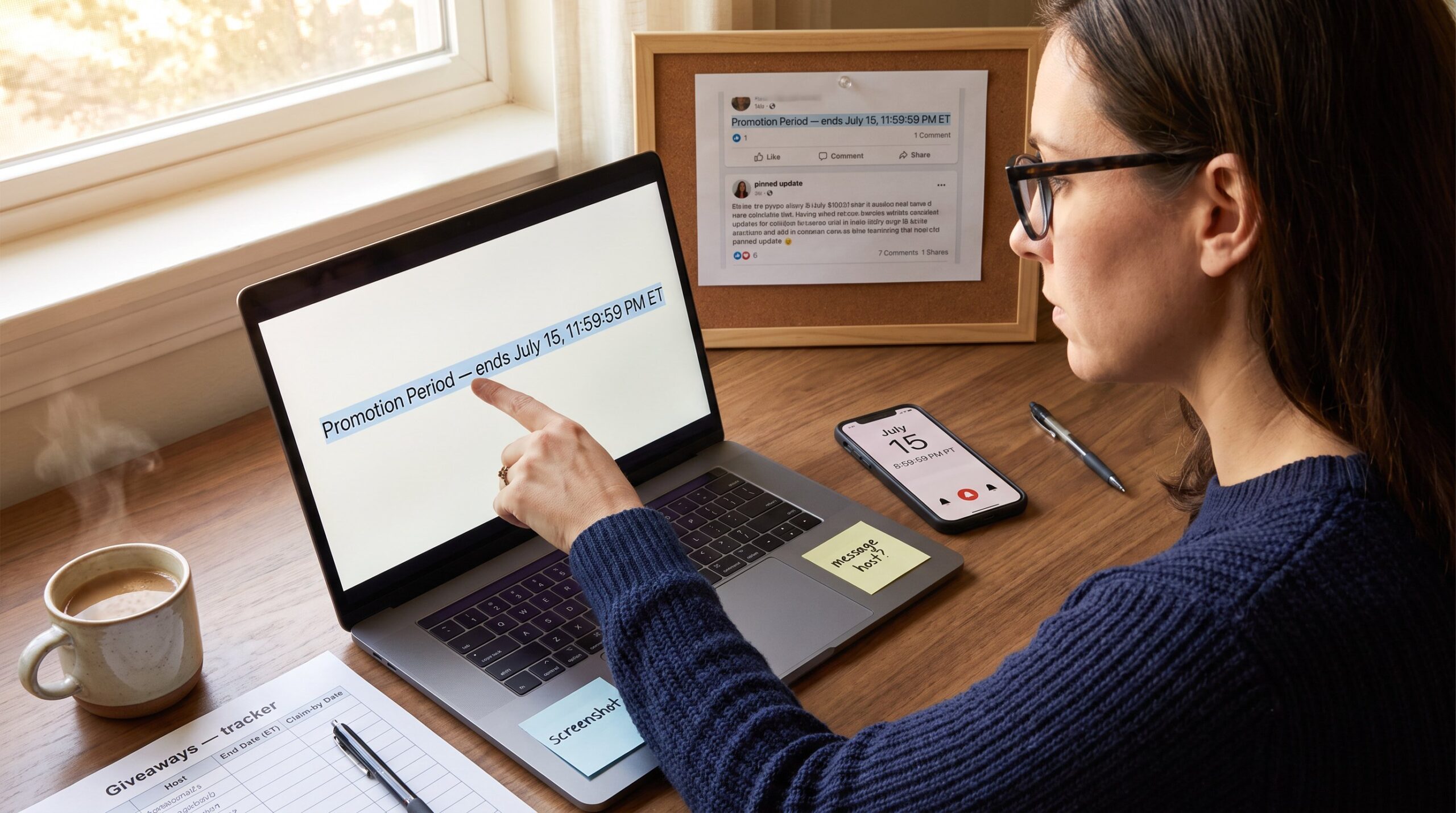
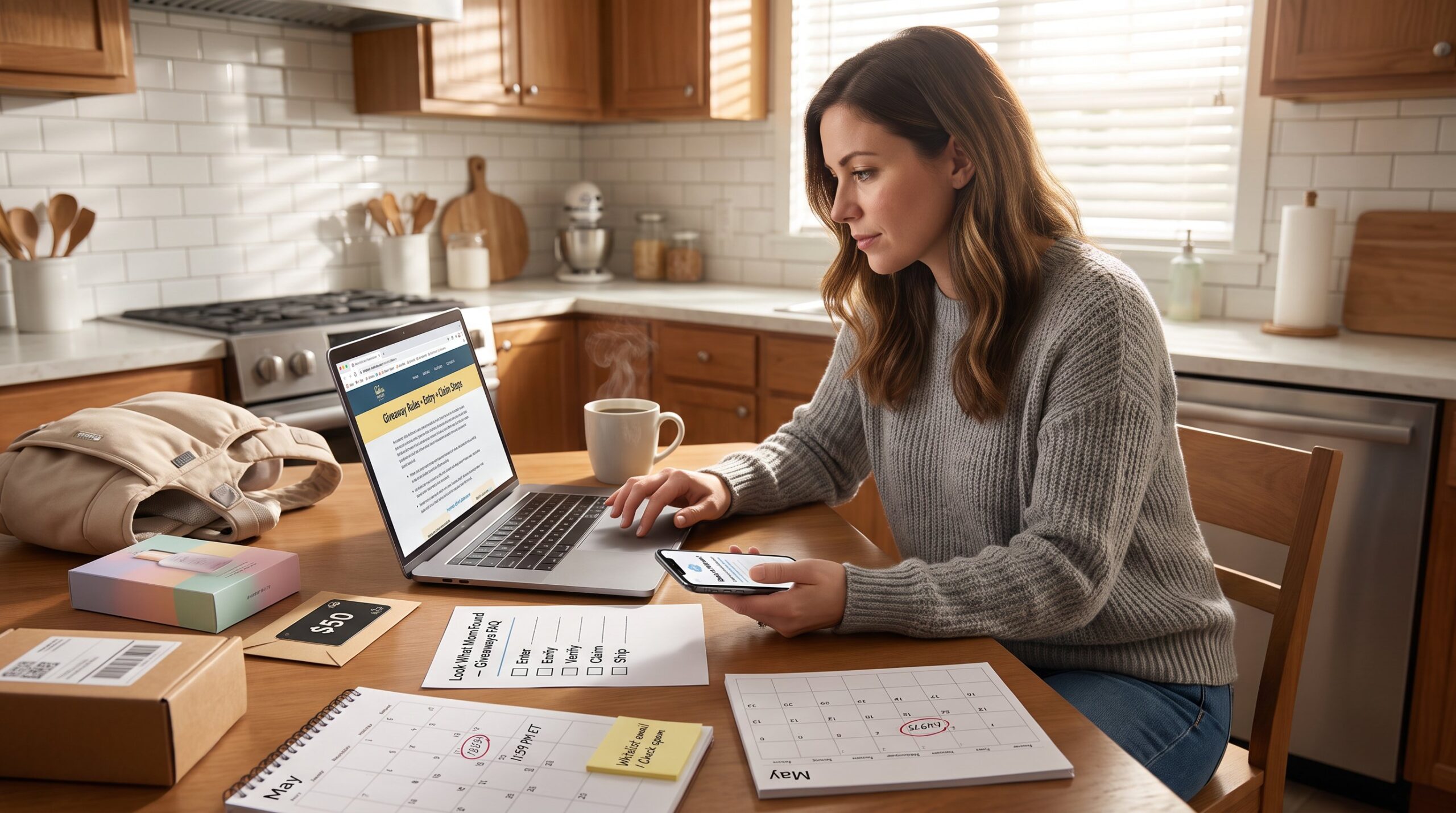
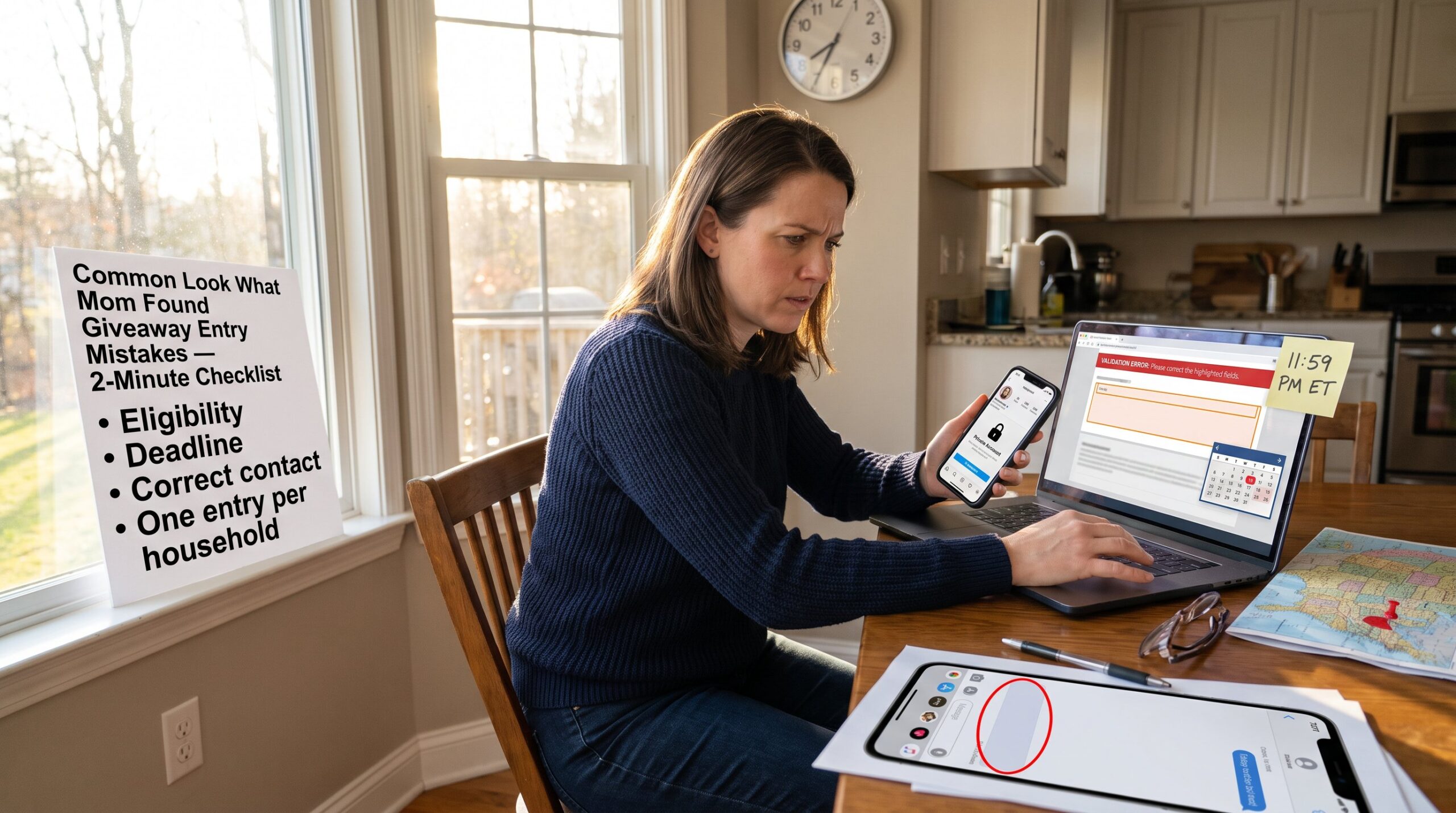
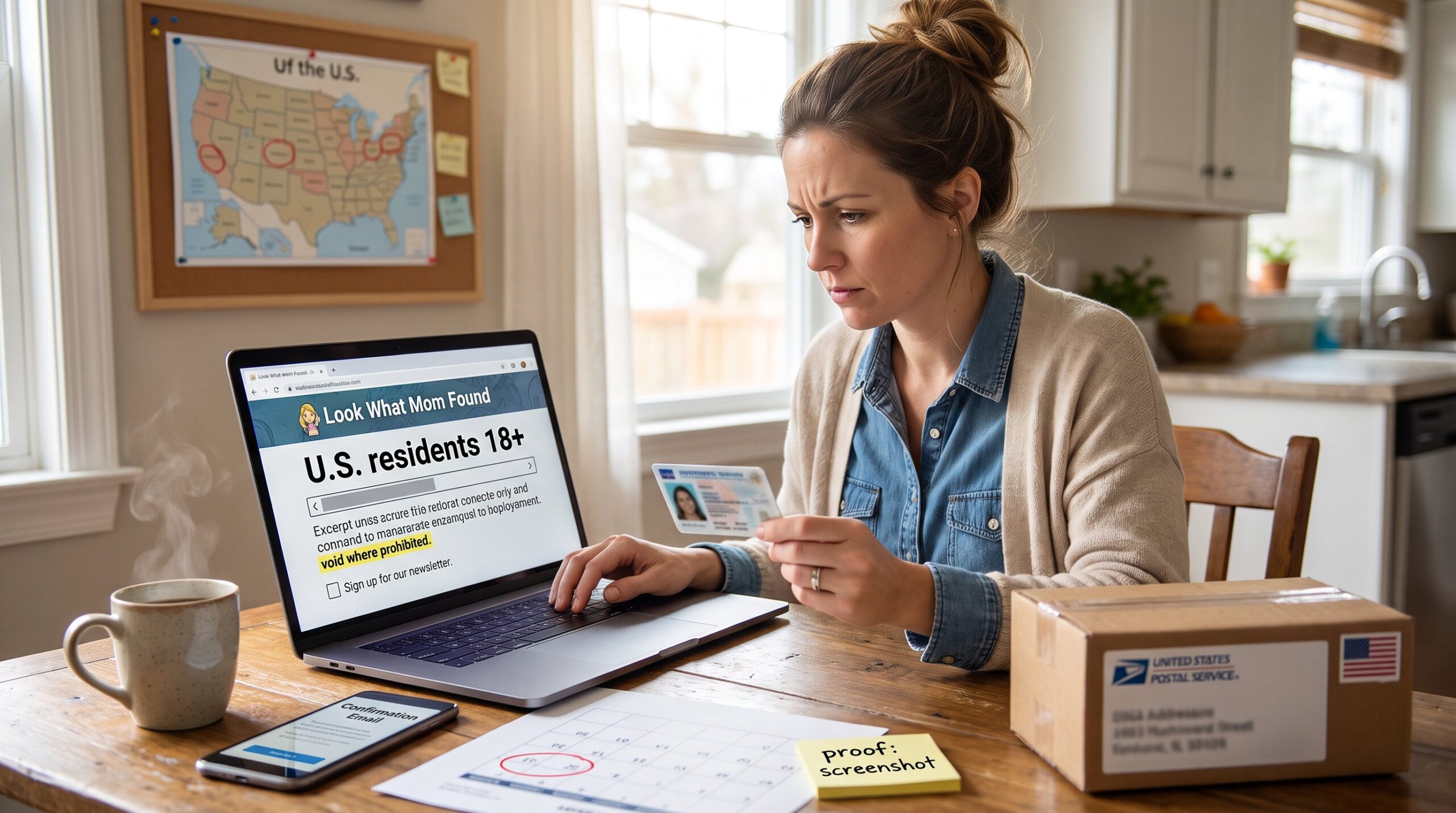
- Deadline: include exact close time and timezone. A giveaway closing at 11:59 PM ET matters if the participant lives in PT.
- Entry frequency: one‑time, daily, weekly, or limited repeats. This drives reminders and prevents accidental duplicates.
- Prize value: a numeric estimate (e.g., $150) so sorting by value works.
- Date entered: tracks when they last took action and supports follow‑up if prize fulfillment is delayed.
- Status: To enter, Entered, Won, Closed, use consistent labels for filters.
- Notes: confirmation codes, special rules, or contact emails.
Practical tip: add a quick boolean column for “requires shipping address” and another for “email confirmation sent.” Those two small flags remove lots of post‑win headaches. Also, people who want more depth can read a dedicated site guide on giveaway entry mechanics for additional safety and terms, such as the entry guide overview that outlines common rule traps and notification practices.
Contextual links to other resources in the cluster help fill gaps: use the site’s walkthrough on finding current giveaways and the short primer on checking deadlines to verify close dates before logging an entry. If questions remain about rules and eligibility, consult the page about where to find rules.
Simple Spreadsheet Template You Can Start Today (Fields, Filters, And Reminders)
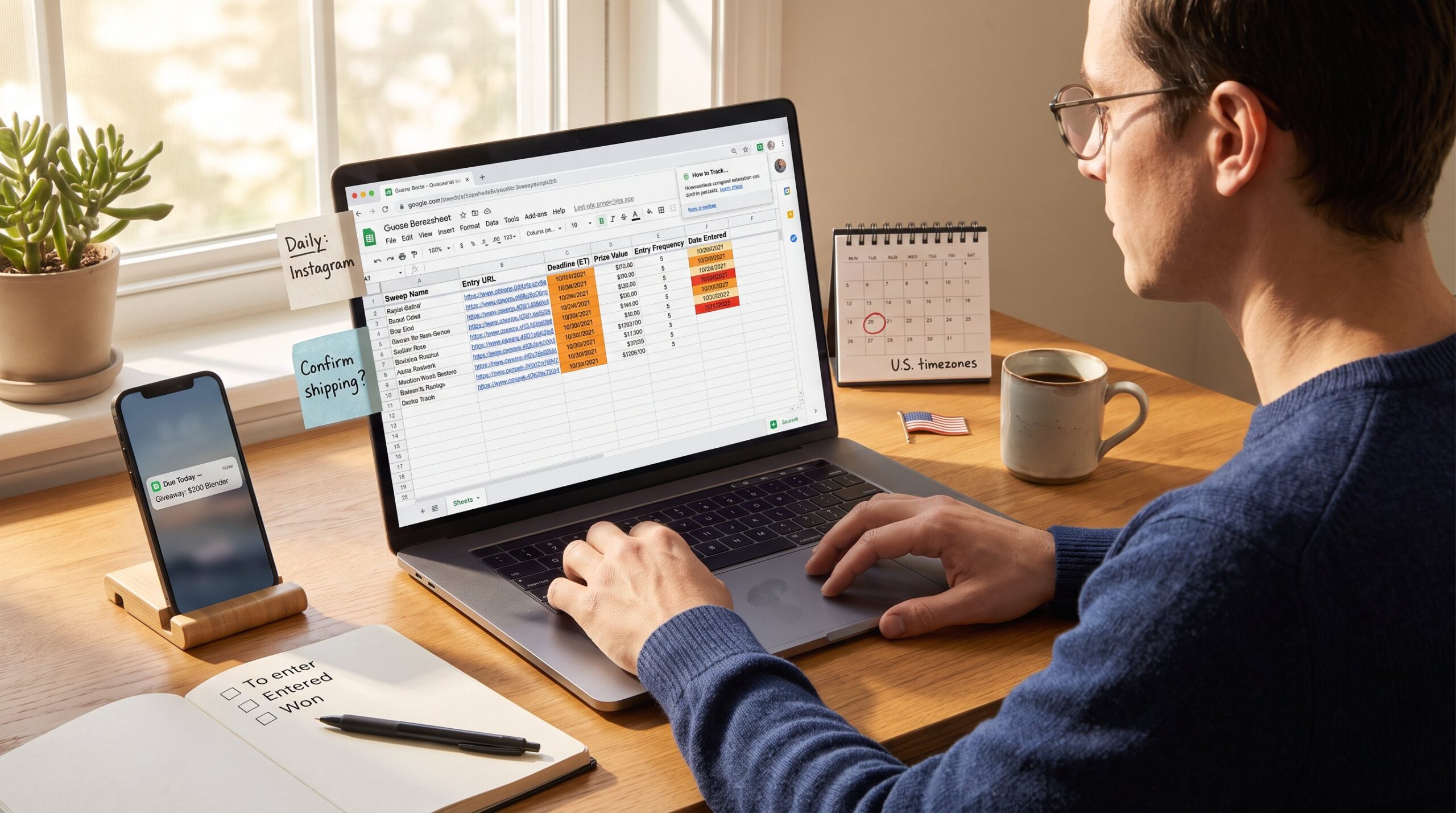
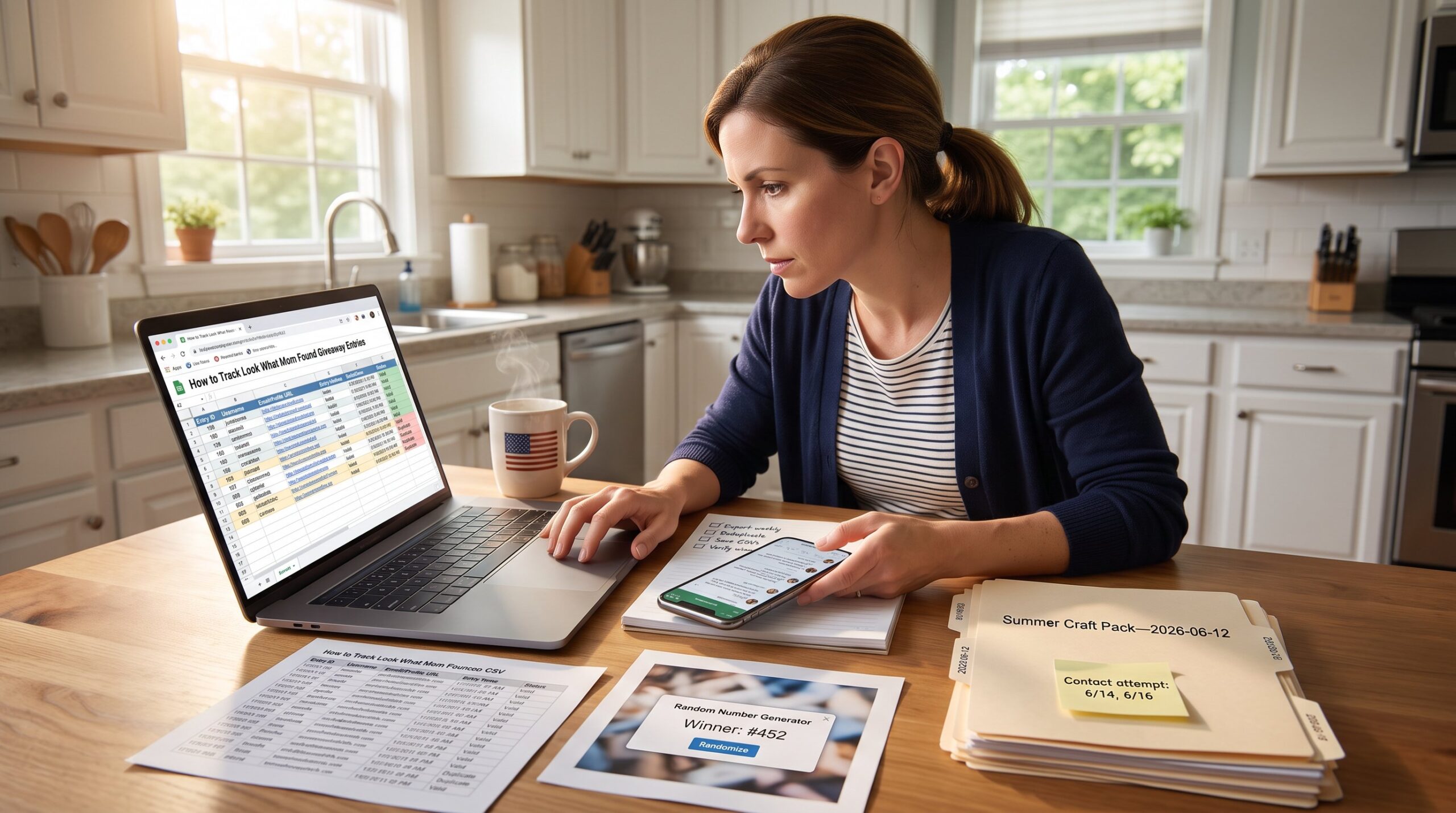
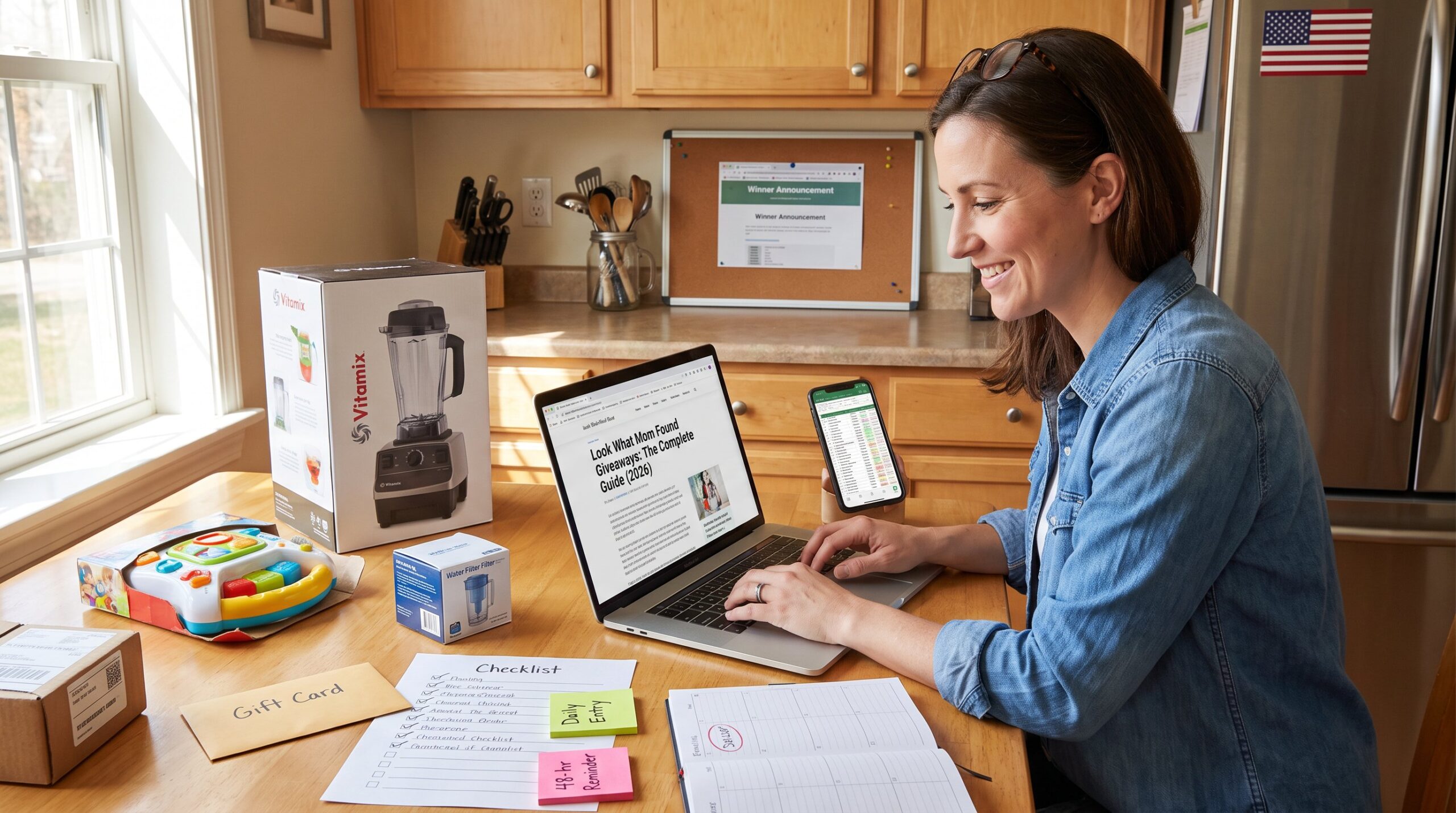
Start with this working template: columns for Sweep Name, Deadline (with timezone), Entry Frequency, Status, Prize Value, Entry URL, Date Entered, Requires Address, and Notes. That layout answers the most common operational questions in one view.
How to use filters and sorting:
- Sort by Deadline ascending to surface what closes next. This single action typically reveals the three items to tackle first.
- Filter Status = “To enter” to create an immediate task list. Someone can clear items to “Entered” as they finish.
- Apply conditional formatting: highlight deadlines within 72 hours in orange and 24 hours in red. That visual cue prevents last‑minute panic.
Automating reminders without paid tools:
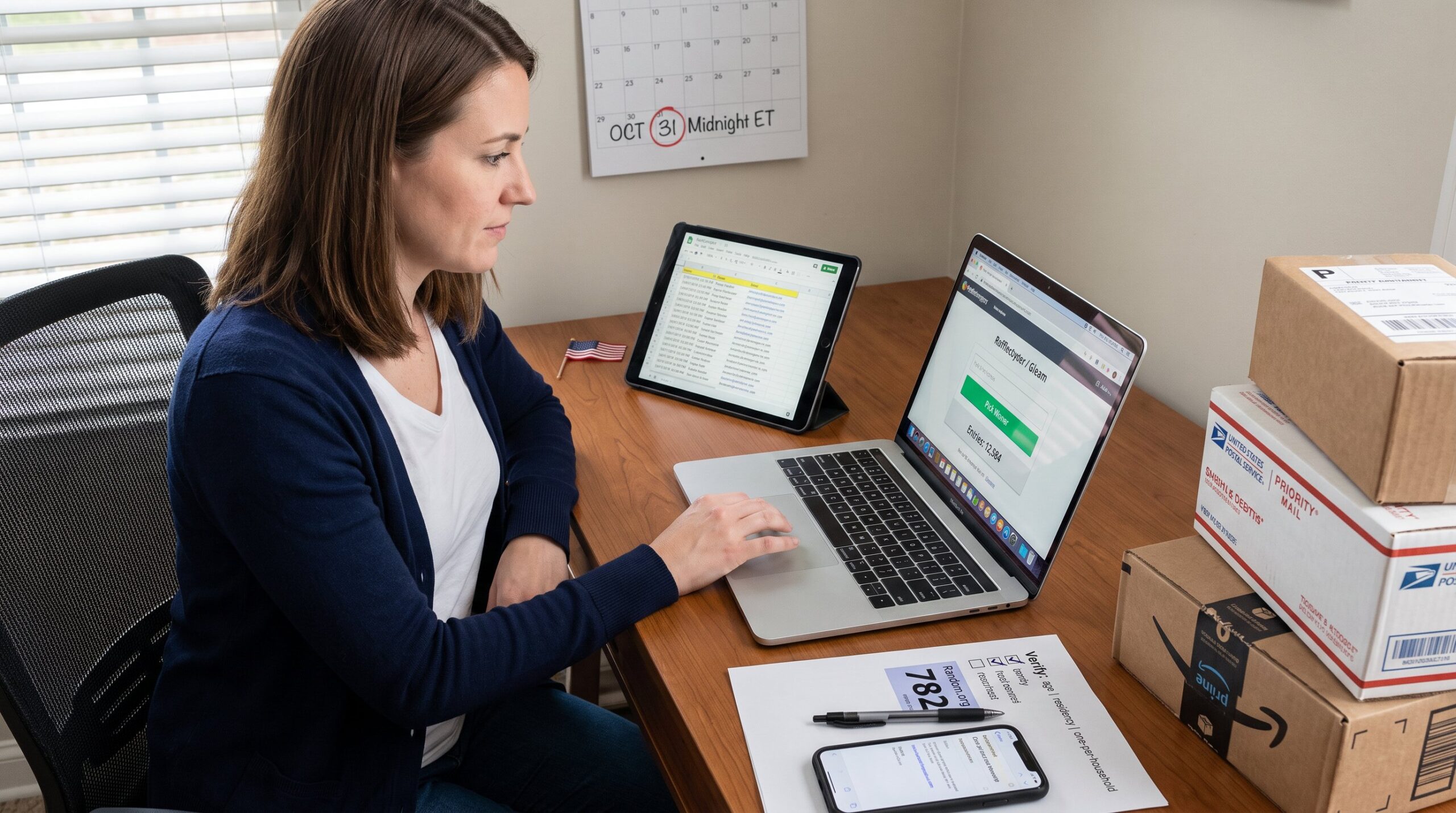
- Use Google Sheets’ date formulas to create a “days left” column and filter where days left <= 3. Then set a daily calendar block labeled “Giveaway entries” so the task actually gets done.
- For daily entries, add a helper column that records the last date entered and a formula to show “Due Today” when the date is older than yesterday. That removes manual tracking for repetitive tasks.
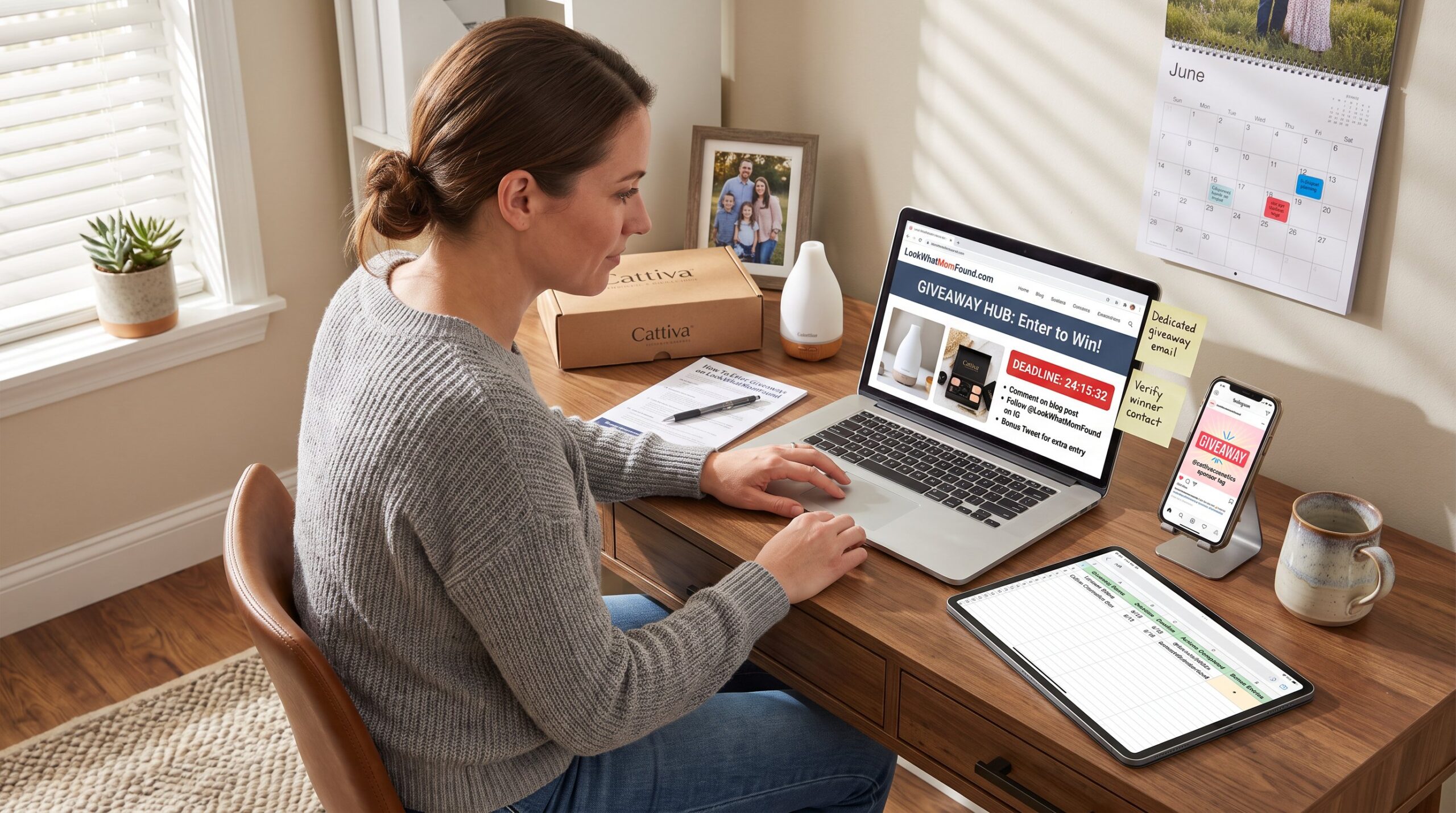
A simple example: someone added a sweep for a $200 blender on June 3, closing June 10 at 11:59 PM ET with daily entries. The sheet shows Prize Value = 200, Frequency = daily, Date Entered = June 4, and Status = Entered. The “Due Today” flag flips on June 5, prompting the morning routine.
If they prefer a ready template, many community spreadsheets exist and can be adapted in under five minutes. For practical safety around rules, pairing the sheet with the site’s main giveaway guide remains recommended: the guide explains how to interpret entry rules and confirmation language.
Best Apps, Browser Extensions, And Services To Automate Tracking
Use apps and extensions to automate repetitive logging and reminders. Automation reduces manual entry by roughly 70% for regular users who enter multiple daily giveaways.
Top approaches and tools:
- Google Sheets + Zapier or Make: capture form submissions, autofill columns, and send a Slack or email reminder when a deadline approaches. This combination fits someone who wants customization without subscription fees.
- Dedicated giveaway tracking apps: several services offer entry capture, reminder scheduling, and status filters. They can queue daily tasks and reset counters for repeat entries. These apps are useful for users who enter 20+ giveaways regularly.
- Browser extensions that save entry URLs and take a single click to open the form: these are time savers when bulk‑entering social posts and blog forms.
Practical warnings:
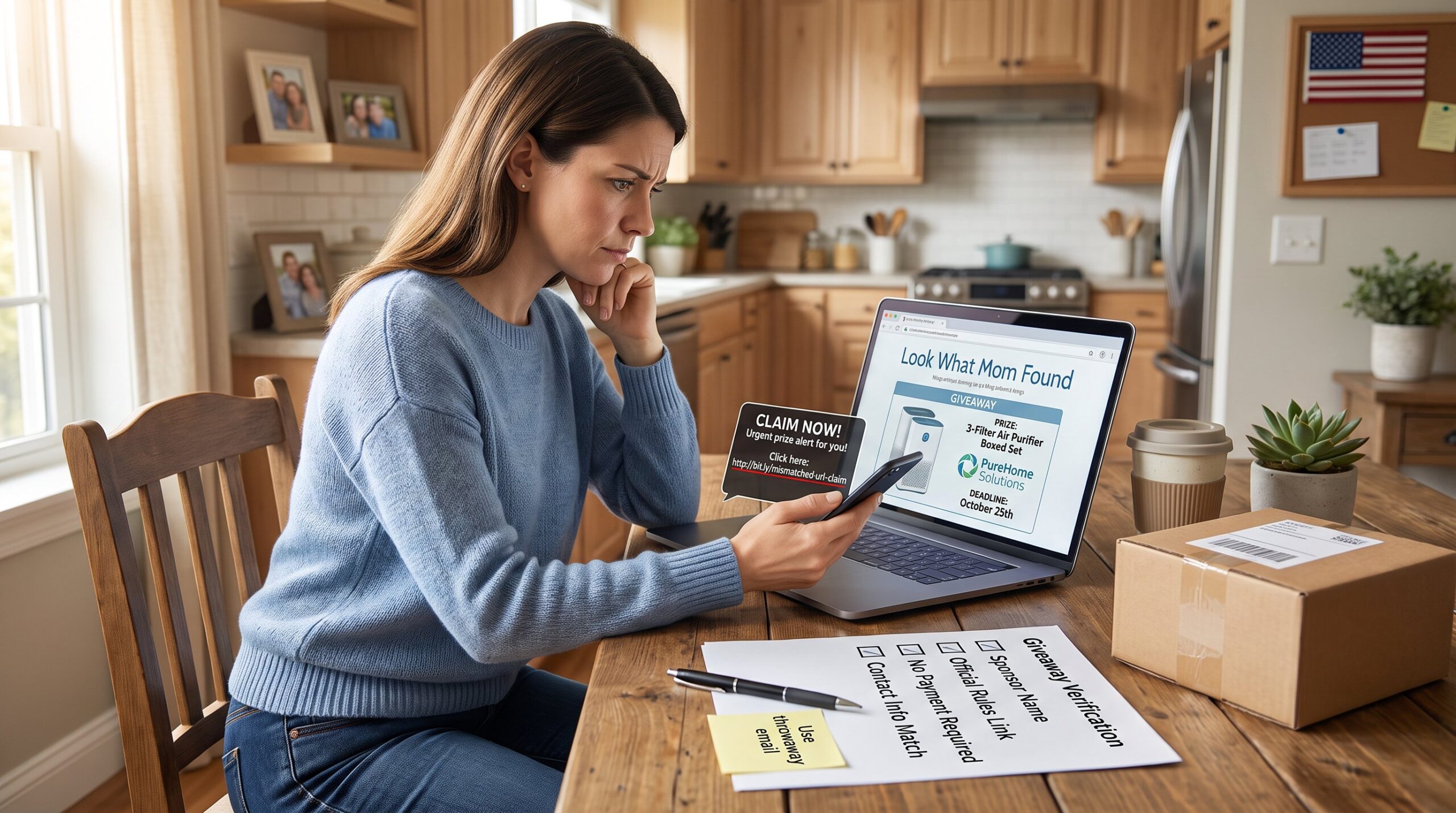
- Avoid tools that require account passwords for sponsor sites: they add security risk. Prefer tools that only store the entry URL and status.
- Read any app’s privacy policy before syncing contact or shipping info. Winners must provide addresses, but tracking tools should not hold sensitive data unless encrypted.
Real example: someone used a spreadsheet plus a browser extension that saved the entry link and copied the sweep name into the sheet with one click. That workflow cut entry time from 6 minutes per giveaway to under 90 seconds.
When rules are complex, multiple entry paths or required purchases, verify exact mechanics against primary sources. For instance, some large sweepstakes publish full entry rules online: readers can confirm methods by checking official rules pages such as the ELLE sweepstakes rules when needed.
Conclusion
A small, consistent system changes outcomes. When someone captures the sweep name, URL, deadline, frequency, prize value, and status in one place, they save hours and reduce disqualifications. Start with a minimal spreadsheet, add simple automation, and use the site’s cluster articles to clarify rules and deadlines. Over time the record becomes a personal archive of wins and lessons, and that history improves decision making for future entries.